
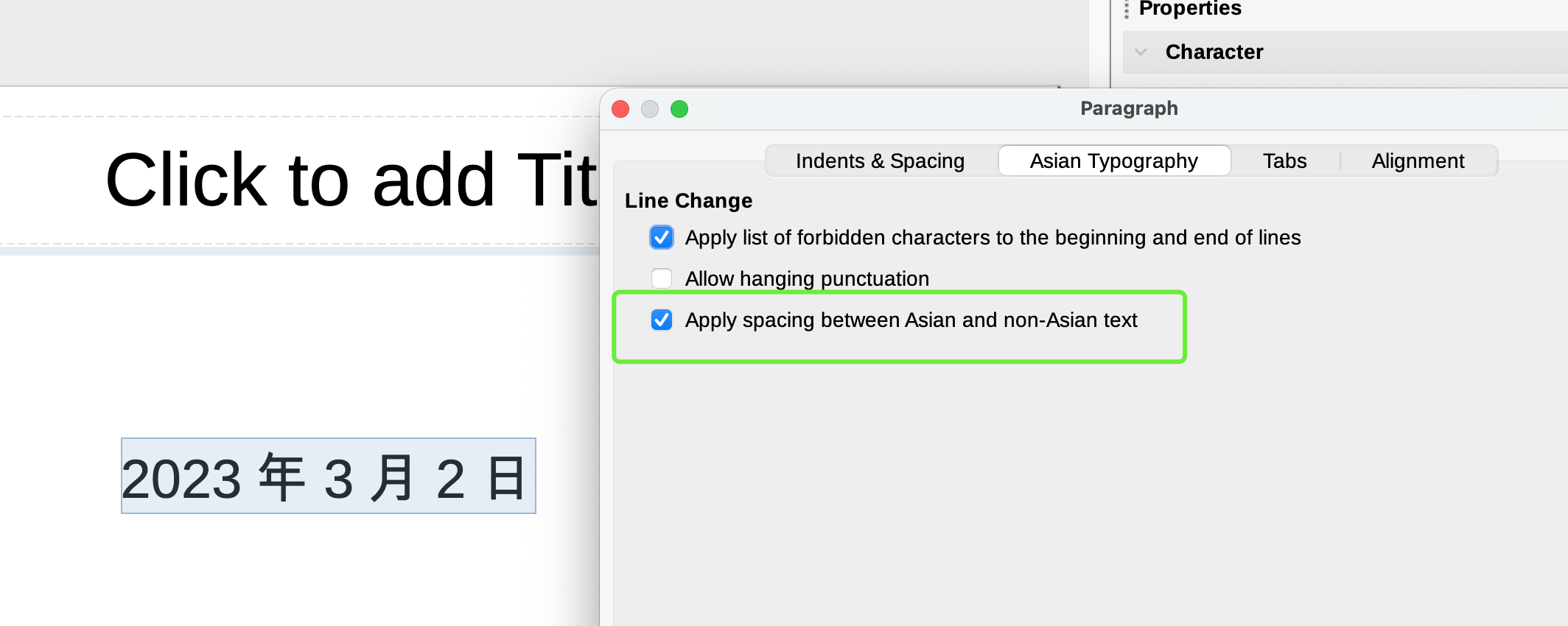
How can I disable ‘Apply spacing between Asian and non-Asian text’ in the general settings? I need to disable it because I will be using LibreOffice in headless mode.
This setting is a property of paragraph style. Just customise the relevant paragraph styles used in your document.
If you don’t know what paragraph styles are and what they are used for, read Writer Guide for an introduction.
After reading, style your document. You could of course customise Default Paragraph Style but I fear you already tampered with your document formatting by changing manually this setting here and there. Direct formatting has precedence over styles; consequently, this will hide the modification in Default Paragraph Style.
You should always mention OS name, exact LO version and save format when asking here. For example, 25.8.3.2 has fixed a bug related to spacing of punctuation in Asian text.