
Libre Writer, Prevent Table cells from automatically turning into currency with cents

I am trying to figure out why this particular table is doing this in a document.

Whenever I enter a value in the second or third column without a $ sign, it inserts a period and two zeroes to make it a currency value.

Input in Tables > Number Recognition (UNCHECKED)

How do I disable this?

Currency Formatted Libre issue.odt (11.7 KB)
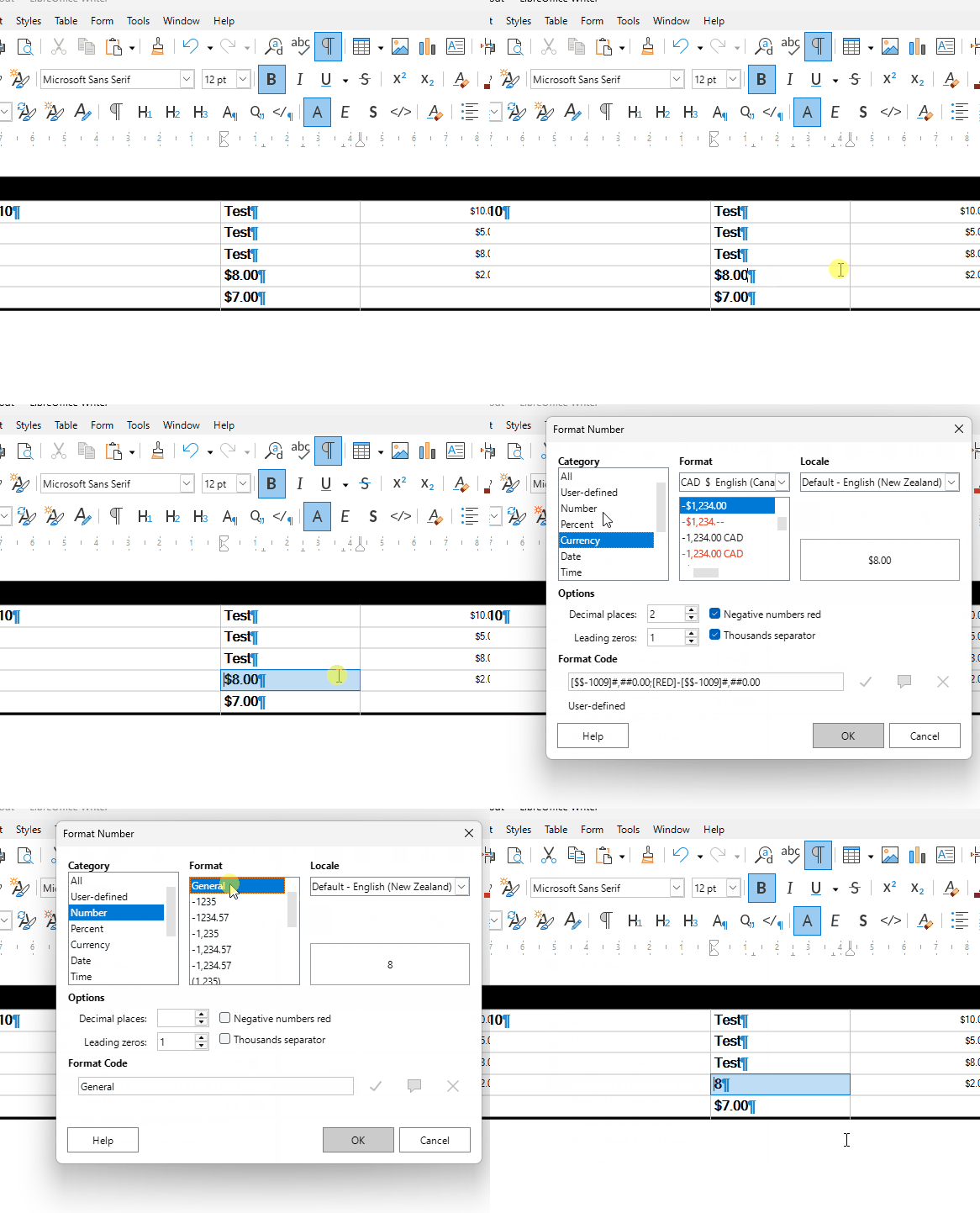
Because the cell has the number format as currency with two decimals places.
Menu>Table>Number format

1 Like

How does one remove such formatting? I tried selecting other options such as text, etc. but it still reverts back to currency.

Select the entire cell(s) and click Table > Number Format, in Category, choose Number and then in Format, choose General, OK
WriterTableNumberFormat

1 Like