
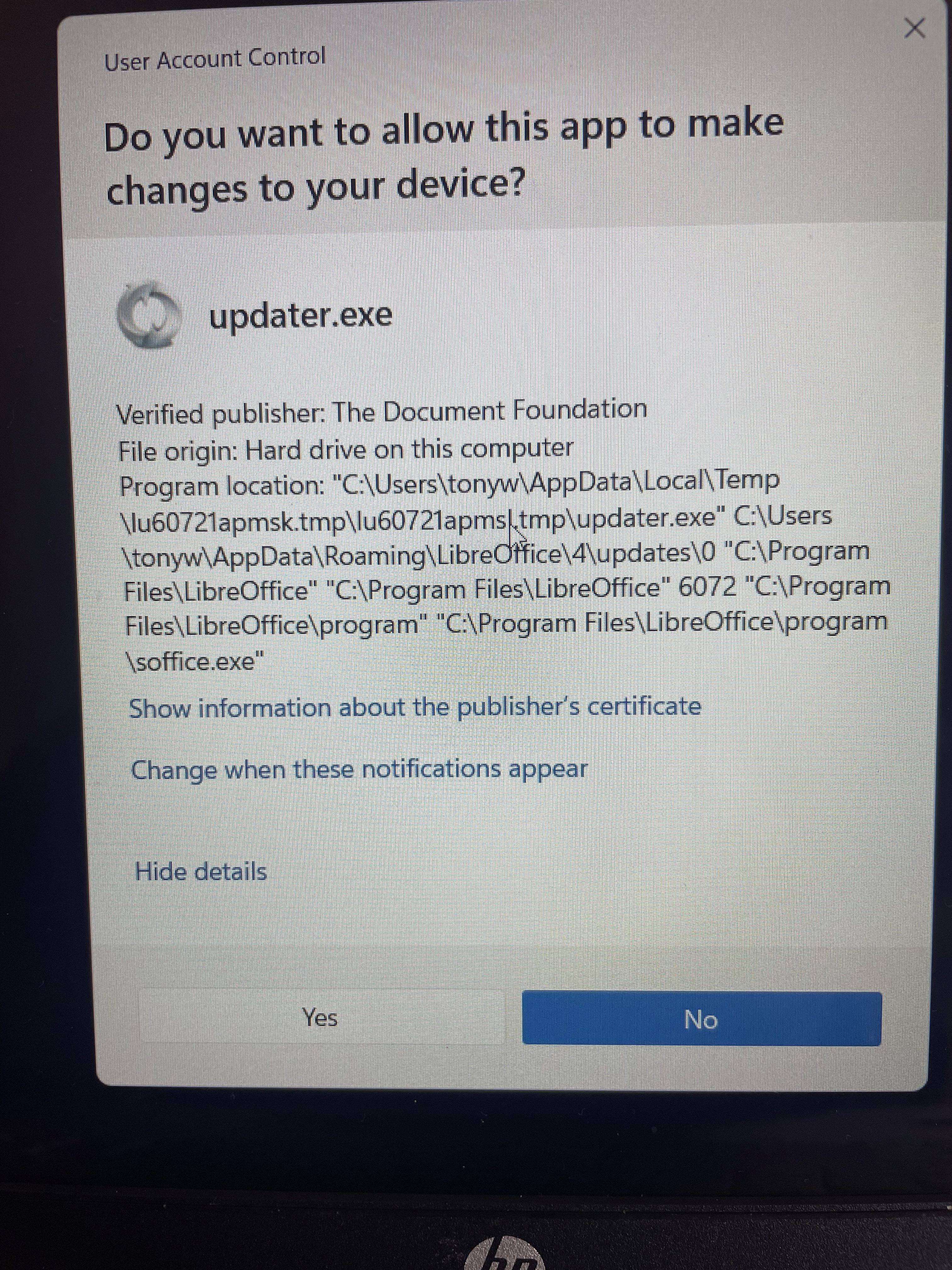
I am running LibreOffice version 26.8.0.3 (X86_64) on a Windows 11 laptop. Every time I open any type of LibreOffice file I get a pop-up window (see below) asking me to run updater.exe. I have tried both allowing this, and refusing the request, but nothing makes any difference. I have run Check for Updates and this informs me that LibreOffice 26.8 is up-to-date. How can I prevent these requests appearing?
26.8.0.3 is not up-to-date, current is 26.8.1.1 although 26.8.2 is imminent, see Release Plan 26.8 - The Document Foundation Wiki
.
I turn off automatic updates; I will update when I am confident. In the main menu, click Tools > Options > Online Update and untick the box Enable automatic update.
.
You can update manually by downloading directly from www.libreoffice.org and installing. The new version will update the previous version. Your user profile is not affected.
1 Like
Thank you. I have downloaded 26.8.1.1 and that has solved the problem.
If Enable automatic update has not been unticked then 26.8.1.1 will look to update automatically. Normally, if it is updating automatically, it gives a small dialogue saying that LibreOffice is installing updates and will be available soon.