
When I select a line or so of text in LO Writer, the degree of shading is so faint as not to be even noticeable, so very hard to work with. This is in light mode. Is there a way to make the degree of shading routinely slightly darker, when simply selecting text with a cursor in LO, as one would do to set up copying for instance?
1 Like
I am on a Mac, but Preferences>Options must be the same thing as Tools>Options. It looks like you have a very good idea, but am having trouble finding Application Colors anywhere. Can you provide more details about navigating in Options? Thanks.
Please, when you post a question include information on your OS and LibreOffice version, as things may /will be different depending.
On Mac, LibreOffice | Preferences is the equivalent of Tools | Options on other OSes. Then, choose LibreOffice | Advanced and click the Open Expert Configuration button on the lower right. Then you can follow the method proposed in the linked post by Villeroy.
I can get to expert configuration thanks to your comment, but where do I find the Villeroy link?
My answer above has the link.
I am giving up, thanks for trying, bu the only link I see in your answer is the link for creating a link to your answer. I suppose everyone else on the planet knows what you are referring to.
Look again at my answer, and use the image below as a guide.
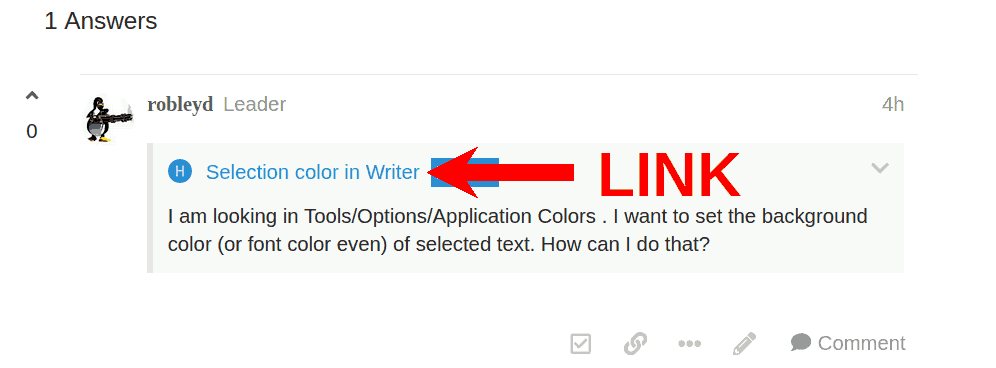
Click on the blue text which is a link.
Now, from 24.8 I think, the situation of personal colors of the UI elements is under Tools > Options > LibreOffice > Appearance (LibreOffice > Preferences > IbreOffice > Appearance in Mac )
Click Preferences > Options > LibreOffice > Application Colours. In the dialogue, under Customisations select Accent Color and then choose a slightly darker shade than shown in the colour selection, or whatever colour you wish. OK