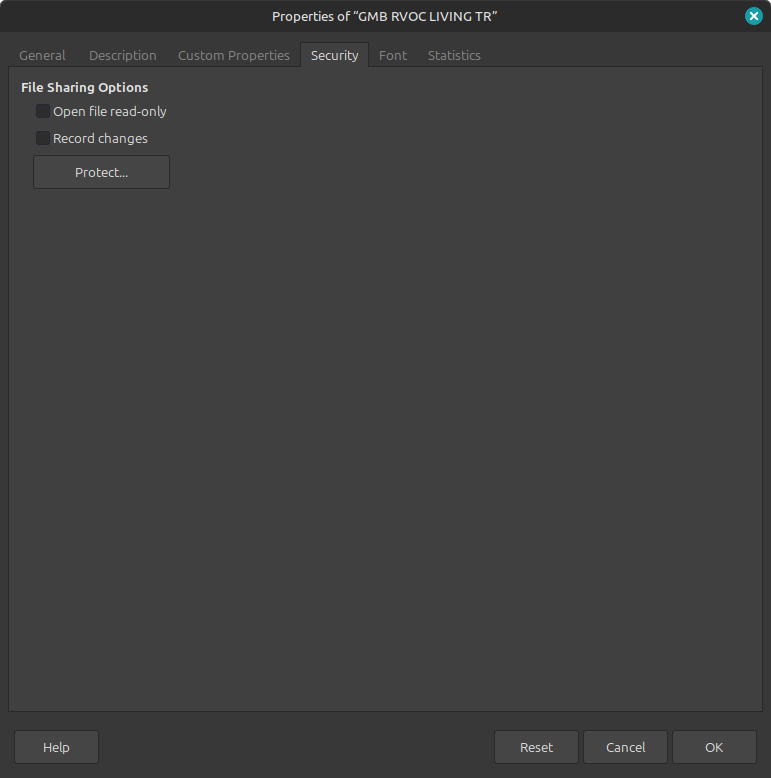
I’m on Linux mint 22.1 and Everytime I open a PDF, odt, docx on libre office writer etc… the doc has a box around it with an anchor in it… it won’t let me edit or do anything with the doc… I’m stuck… can’t figure this out…??
You tagged base. Is this a database issue related to the DB front end Base?
It looks like you meet difficulty with Writer (for odt and docx) and Draw (for PDF).
It is extremely difficult to guess what’s happening without even a screenshot. Which is your exact LO release? Have you installed a Flatpak, an ordinary Mint package or downloaded directly from LO official site?
Please, answer by editing your question, not with a comment (unless the edit period has elapsed).
I’m very new here and this is so aggravating. none of the docs i am opening (docx,odt,pdf) will let me edit, so what is the remedy to edit these docs…i tried converting them to a different format,nothing,any help would be greatly appreciated…??
If you can’t edit them at all, check the directory read/write privileges. The directory may have been created under a different user-id or group and write privilege was not granted.
Or documents might have been stored into a “system” directory instead of your user home.
You could also attach a “small” non-private (less than 1 MB) document so that we see if the same phenomenon happens on our machines.
thank you for the reply…Im the only user on this computer how do i check what directory its in…is this what your talking about…??
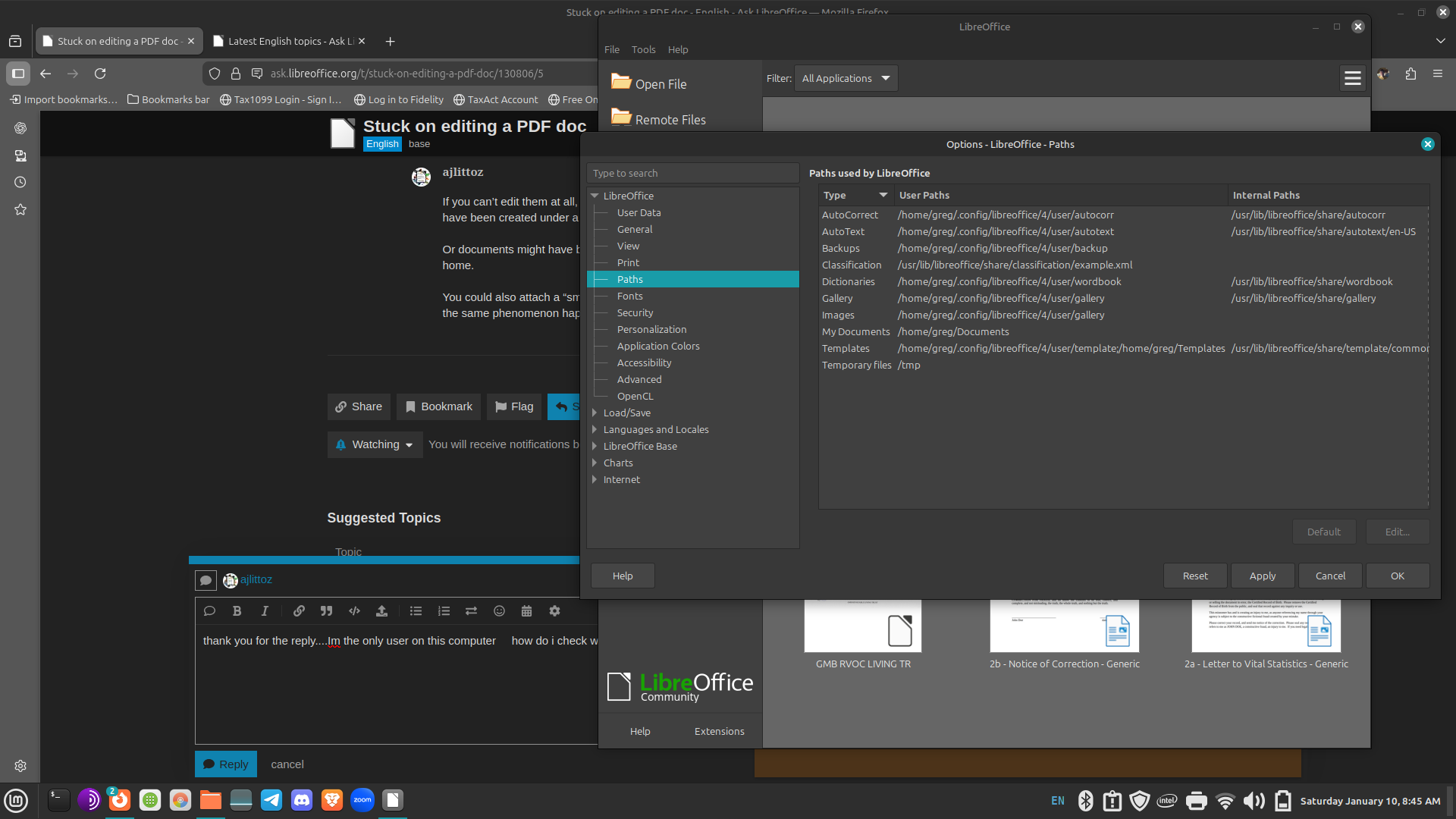
If you will open a *.odt-file: Which message appears?
Your screenshot shows LO path configuration dialog. The default location is your home Documents/ folder.
But the documents can be located anywhere in the file system (since this is an Open operation). In which folders are your documents? Use the file manager. You can right-click on any one and query Properties (or equivalent – I can’t identify your desktop manager) from the drop-down menu.
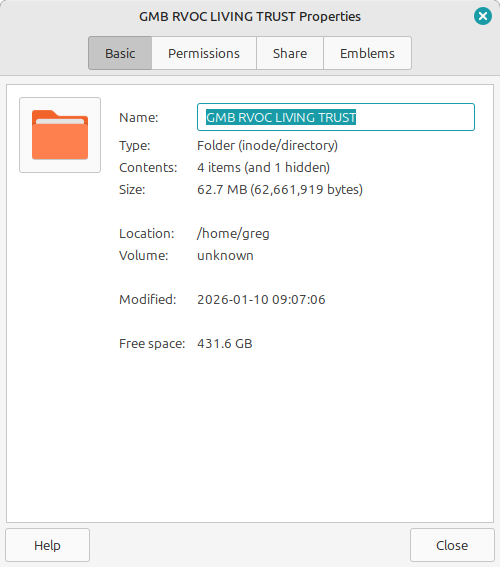
@Jaxgmfb1 Type: Folder
So this isn’t a document. Switch to a document in this folder, which ends with .odt. Show the permissions (second tab)
i dont have an odt doc…do i need to convert it to odt…??
No, you could also show the *.doc file. If you want it could be converted to *.odt later.
OK… i converted the file to an odt file and it looks like i can edit the file now…thank you guys for the help…!!!
it still wont let me open and edit a docx file…i guess i will have to convert all of them to odt…??
Which properties do you see for the *.docx file? Did you save the file in the same directory as the *.doc file had been saved?
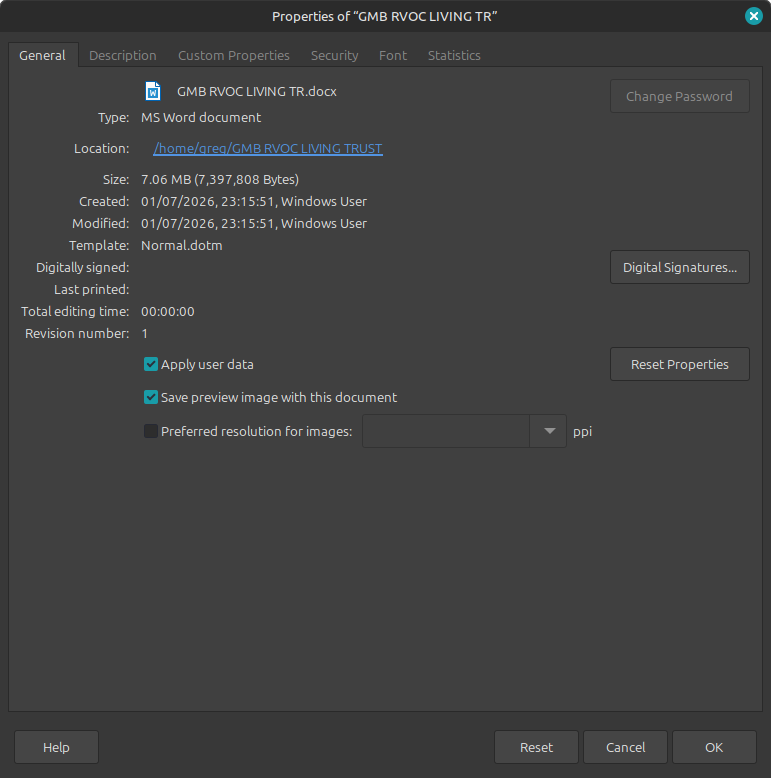
You show use Writer File>Properties instead of the file manager Permissions.
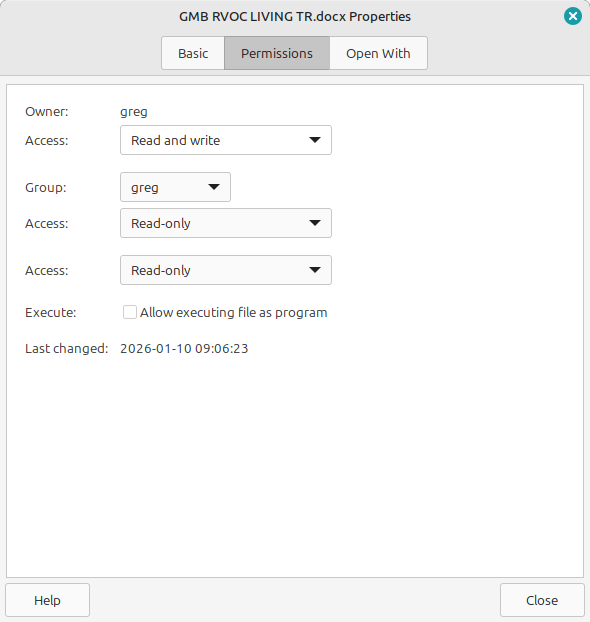
Right screenshot. Now have a look: Owner “greg” should be the owner, who could read and write the file. You are the owner.
Now switch to the properties in LibreOffice (other screenshot). Have a look at tab “Security”.
You should also be able to save the file as *.odt-file, because you have opened the file in LibreOffice.