Unmerge cells and copy content

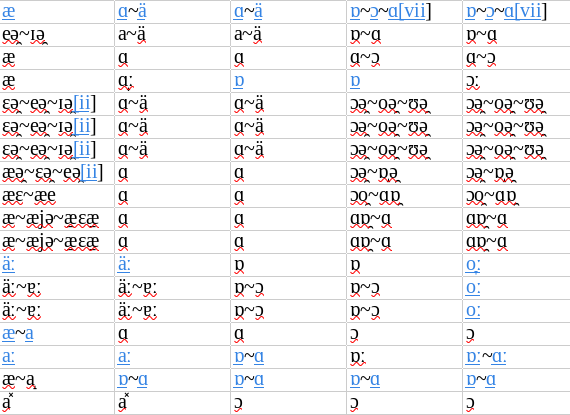
I have a big table with many merged cells copied from an html document, like this:
image
I am trying to reorder the columns and rows, so I need to unmerge these cells.
however, when I select all and unmerge, only the top left cell of each merged section retains content.
is there a better way to copy the content to all child cells? I feel like there should be two separate unmerge cells - restore content and unmerge cells - duplicate content buttons.

ie, instead of
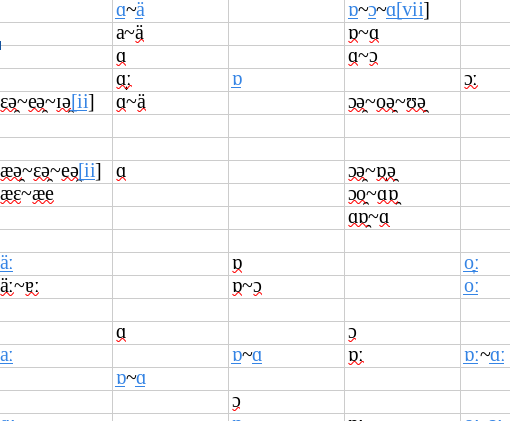
image

I want
image

https://forum.openoffice.org/en/forum/viewtopic.php?t=62069

did you mean to comment this on another post? I don’t see how it’s related to my question

Why do you attach screenshots? Please, attach a document!

  1. Make a backup copy of your document.
  2. Unmerge all cells.
  3. Go to the first empty cell below the first text in the first column.
  4. Hit Ctrl+Shift+End in order to select from this cell until the end of used area.
  5. Copy (Ctrl+C) the selection.
  6. Without releasing the selection, type a reference to the above neighbor cell, for instance =A1 if active cell is A2, and finish this entry with Alt+Enter. Now every cell has a reference to its above neighbor.
  7. Without releasing the selection, paste-special values with option “Skip empty cells”, which re-enters the previously copied contents without blanks.
  8. Without releasing the selection, copy the range again and paste-special values. This removes the references.

I used screenshots so that I could reference this specific area of the sheet again, but I can include the document as well.

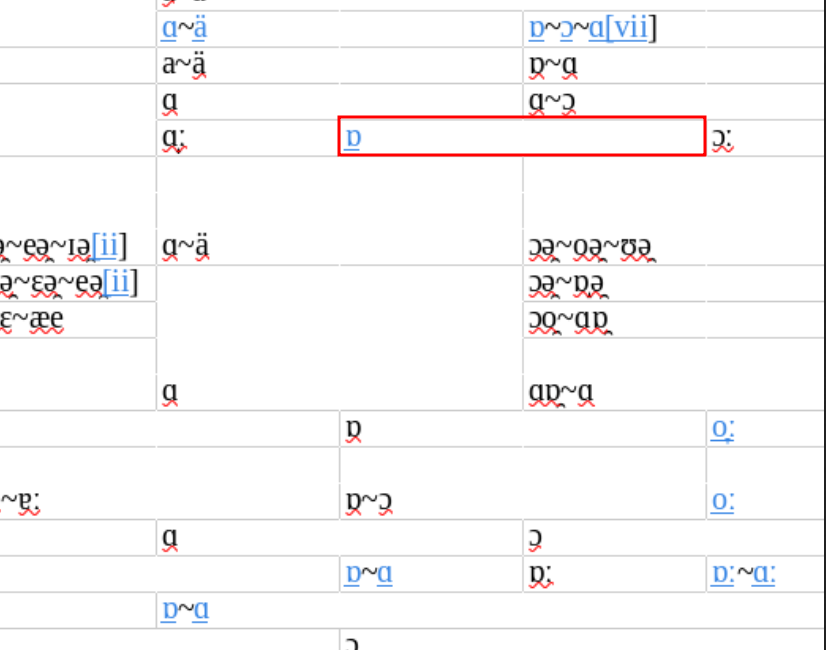
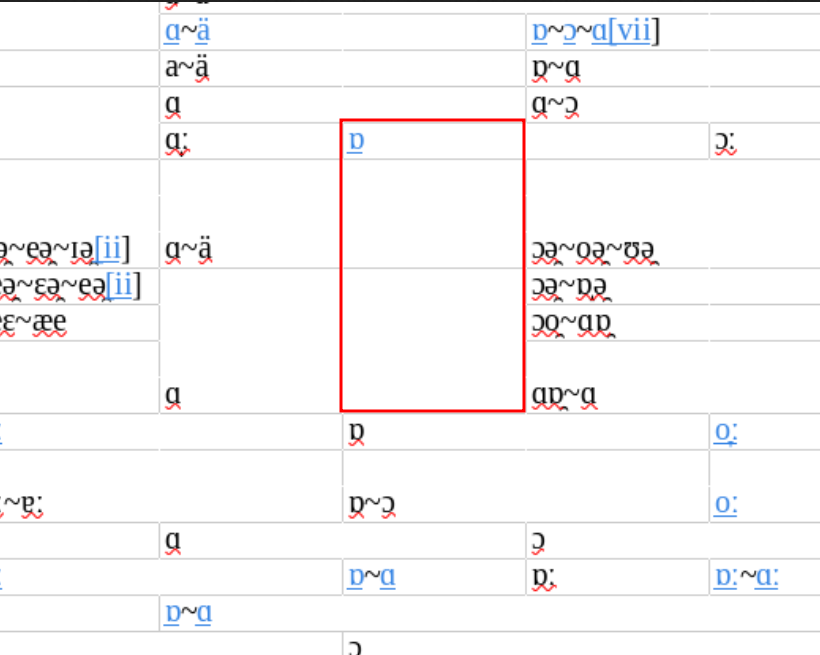
that solution doesn’t work because it only copies the values downwards, but these cells are merged more arbitrarily than that. for example, if you look at this cell:


your method would instead make it look like it took up this space:

which is actually space occupied by other cells to the left of it

here’s the spreadsheet content:
unmerge.ods (27.3 KB)

This user's public profile is hidden. (rokke)
Why? Don’t play games with us.
= =
Study:
disask_131113_UnmergedRangeHasEmptyCells.ods (10.4 KB)
If you unmerge cells, and the resulting ranges contain empty cells, there simply was no hidden content.
= =
Also: Uploads: Images vs example files / HowTo

hidden profile

I’d say the opposite. why would you want someone who’s helping you to be able to identify you? any time one makes an account at a new site, the first step should always be locking down all the privacy settings.

empty cells

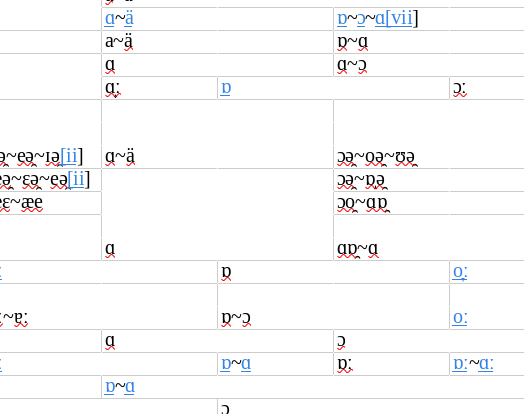
I tested the file you gave, and at least with my version of calc, unmerging worked exactly like I was saying – the vertical box was on top of a 1, 2, and 3; and the horizontal one had a Q3 underneath.

I’m asking for a separate unmerge behavior (that you could turn on or off), where that first cell would unmerge to 4 blank cells and the second would unmerge to 4 Q1 cells.

howto

? I have already provided images and example files in this thread, why would I need a guide now…

maybe you personalize a bit too much the topics here.
https://wiki.documentfoundation.org/Ask/Guide_-_How_to_use_the_Ask_site

of course it could/should evolve, e.g. LO writer forum thread sort confusing, can't find most recent reply?

it’s somehow so specific, not much hope to have it implemented in core, anytime soon if ever.

for the context : 108320 – (Calc-Merge-Split) [META] Calc cell merging, splitting and merged cell issues
Dependency tree for Bug 108320


could done with by a macro.

and/or beforehand on your HTML input.

1 Like

yup, that’s what I kinda figured was going to be the answer, but figured it wouldn’t hurt to ask if I was just missing something in a menu somewhere. I ended up just doing it manually one cell at a time, knocked it out in a few hours.

hope it didn’t :wink:

1 Like