
Upgrade broke Base form

I upgraded, and a few fields in a base form can no longer be edited or even tabbed, but can in the table.
I don’t know how to fix. AI always seems to give advice from other Libreoffice programs, and Base is often different.

AI said " This typically happens because LO changed how form controls bind to fields, and older forms lose their “Data Field” binding.", but any advice on how to access and fix have been wrong so far.
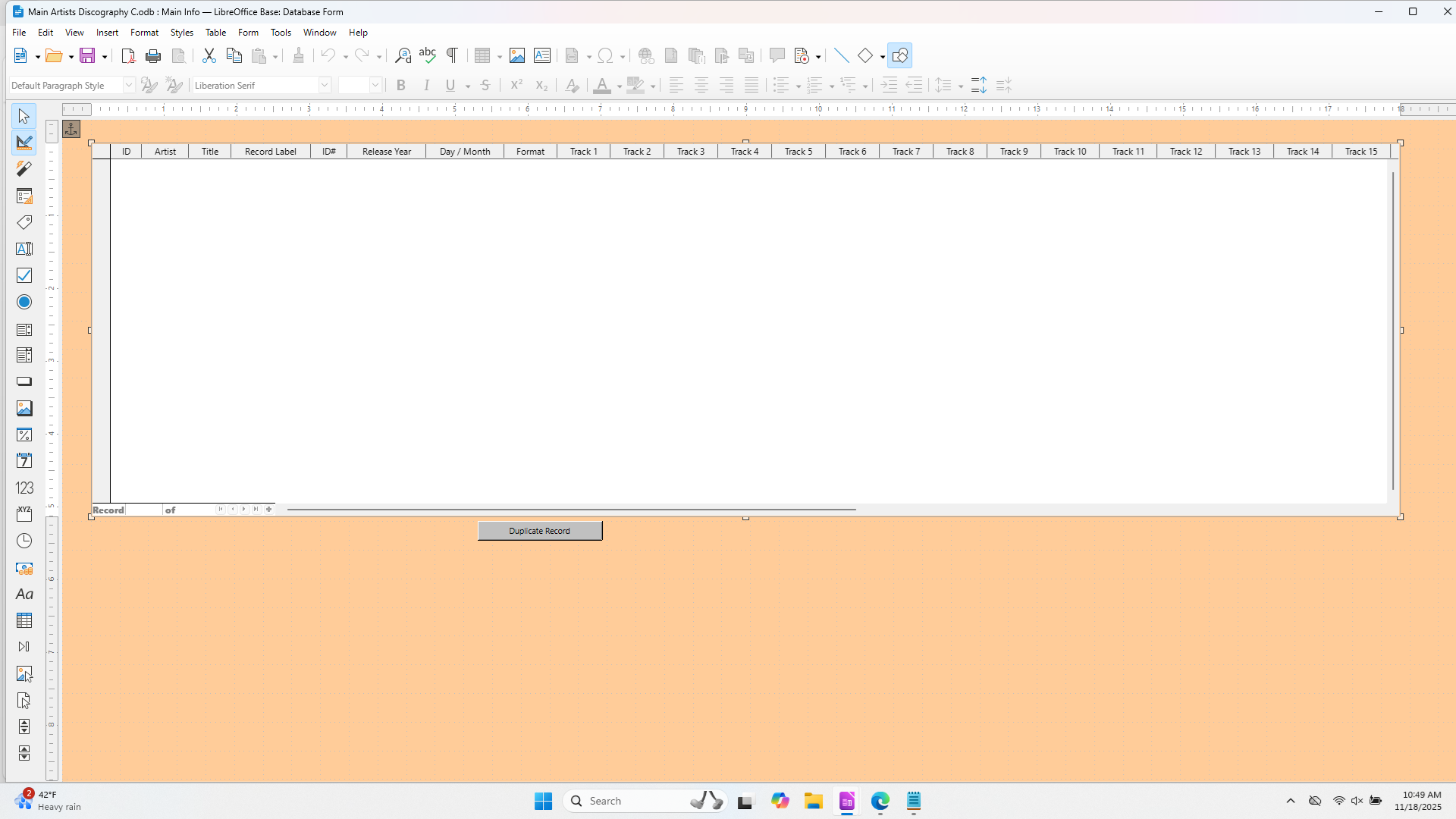
Base hadn’t changed anything there since first LO-version.

  • Open the form for editing, not for input data.
  • Click on the field. If it’s a “normal” control it might be grouped with a label control. Then click left mousebutton and ctrl to get the field.
  • Right mouse button an context menu → control properties (or “column” on a table control)
  • In folder data you could see the field of the datasource, which is connected to the control.

If you have changed field names in datasource a form control couldn’t find the field any more.

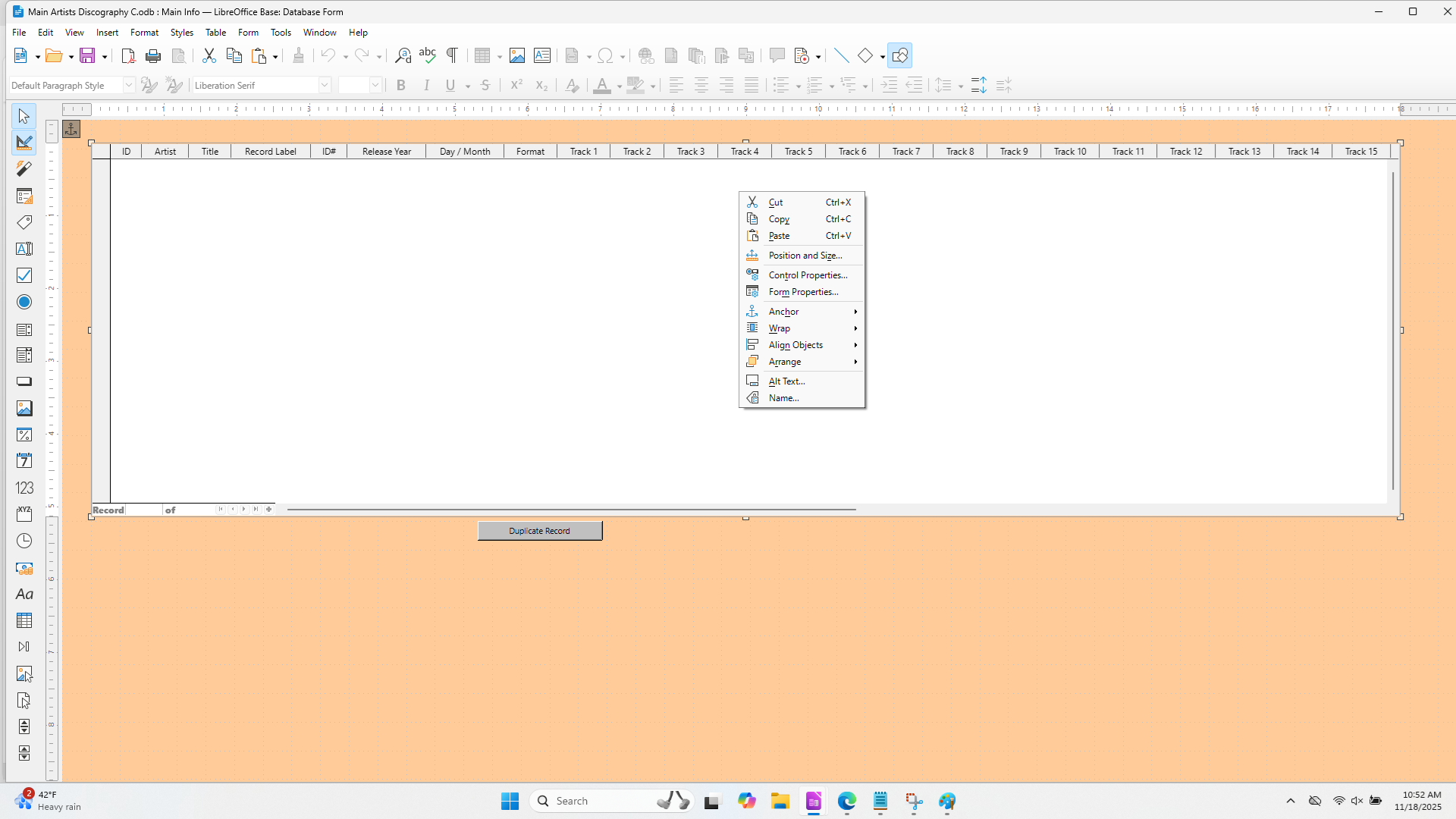
I created the form with the wizard. I can never get past this except to see Properties: Table control.

Or here:

Right mouse click on “ID” - column…

I get the same menu options as in the most recent screenshot. Is there something about how it was created with the wizard that makes it react differently?

Please don’t use “Answer” for content, which doesn’t answer the original question.
grafik
Right mouse click on “Bestellnummer” → menue appears → choose “Column…”
grafik
Data properties of the text box for “Bestellnummer”. Field of datasource has name “Warennummer”.