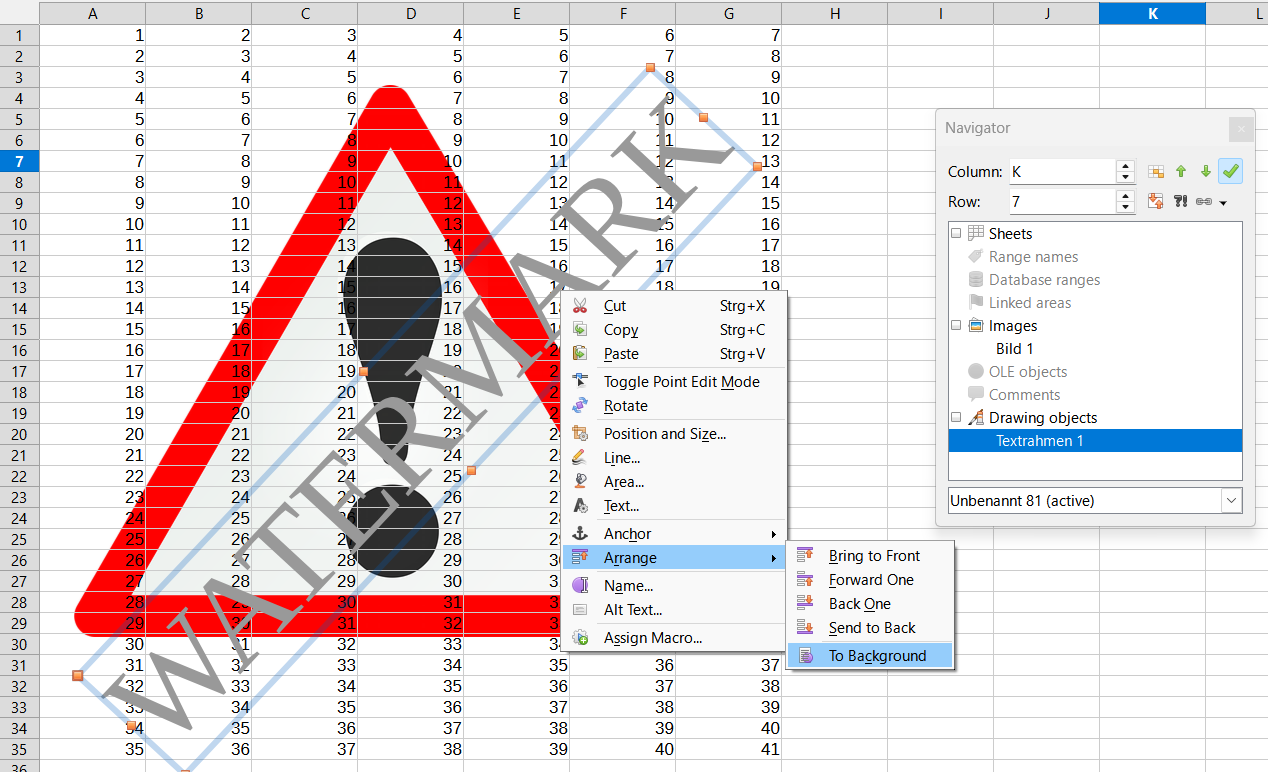
Ho, I’m using Version: 25.8.3.2 (X86_64) / LibreOffice Community
Build ID: 580(Build:2)
CPU threads: 4; OS: Linux 6.17; UI render: default; VCL: gtk3
Locale: nl-NL (nl_NL.UTF-8); UI: en-US
25.8.3-3
Calc: threaded
On Manjaro Linux
I want to add a watermark, so I added a Text Box, added some text and selected it, now I want to add transparency to it using right mouse > Character > Font Effects, but next to Font Color, there is no Transparency slider like in the manual, see screenshot below:
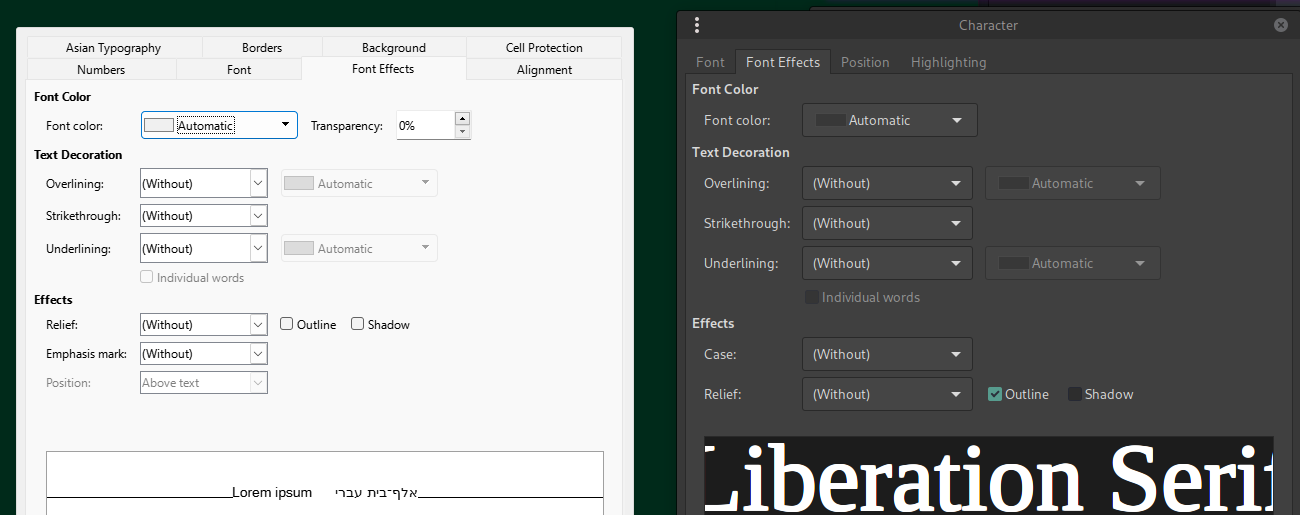
Left is the manual, right is mine (I also have less tabs)
Any idea how to solve this?