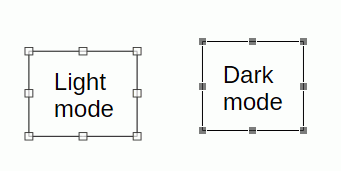
Here, try to spot the selectors on border the image. There should be 4 on each corner and 4 more in the middle of each border line. The issue is they are almost exactly the same color as the page.
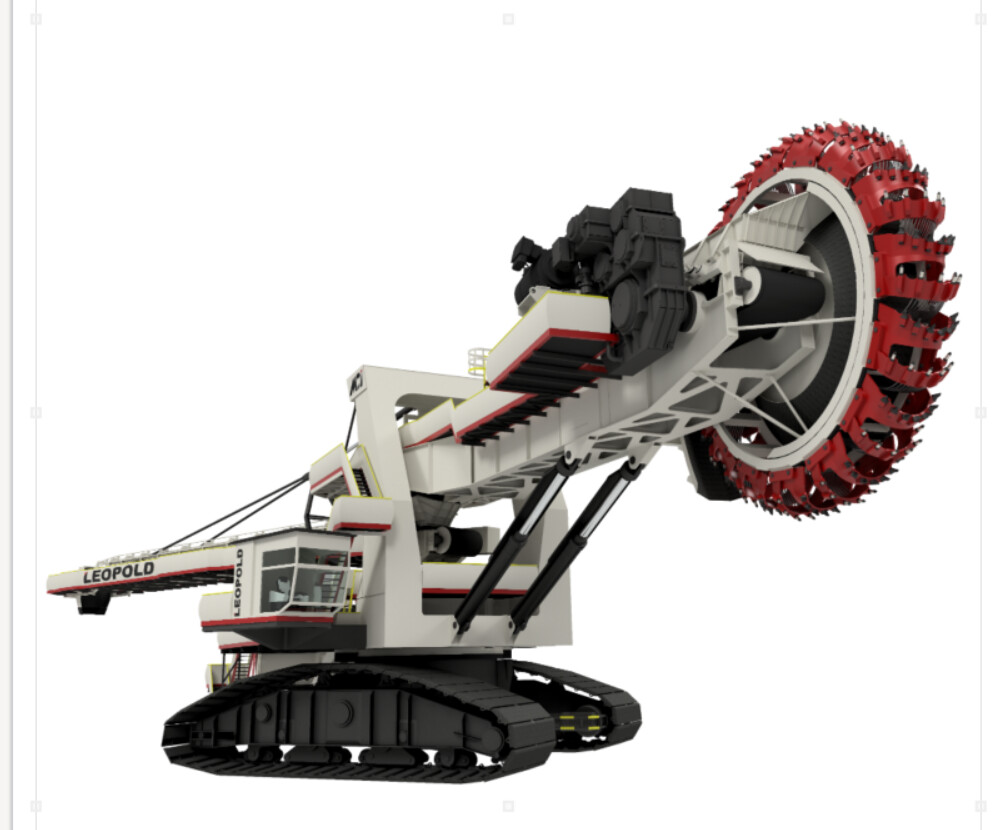
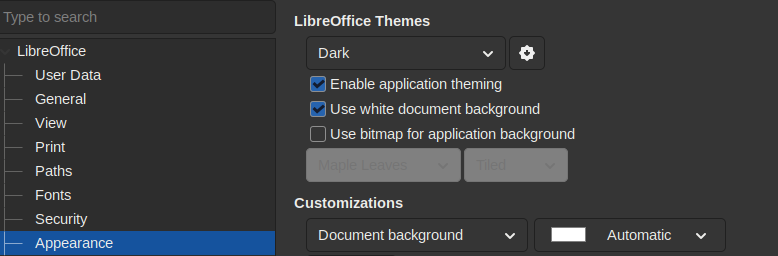
I don’t remember having this issue in previous versions of libre office. it might be on my end, or something to do with light vs dark mode, but its incredibly annoying. Please test any additions or changes you make to software (preferably by someone who is not a programmer, so its actually accessible, and I don’t need to click 20 buttons to do a simple action). Thanks!
Does anyone know how to make the image selectors have higher contrast?