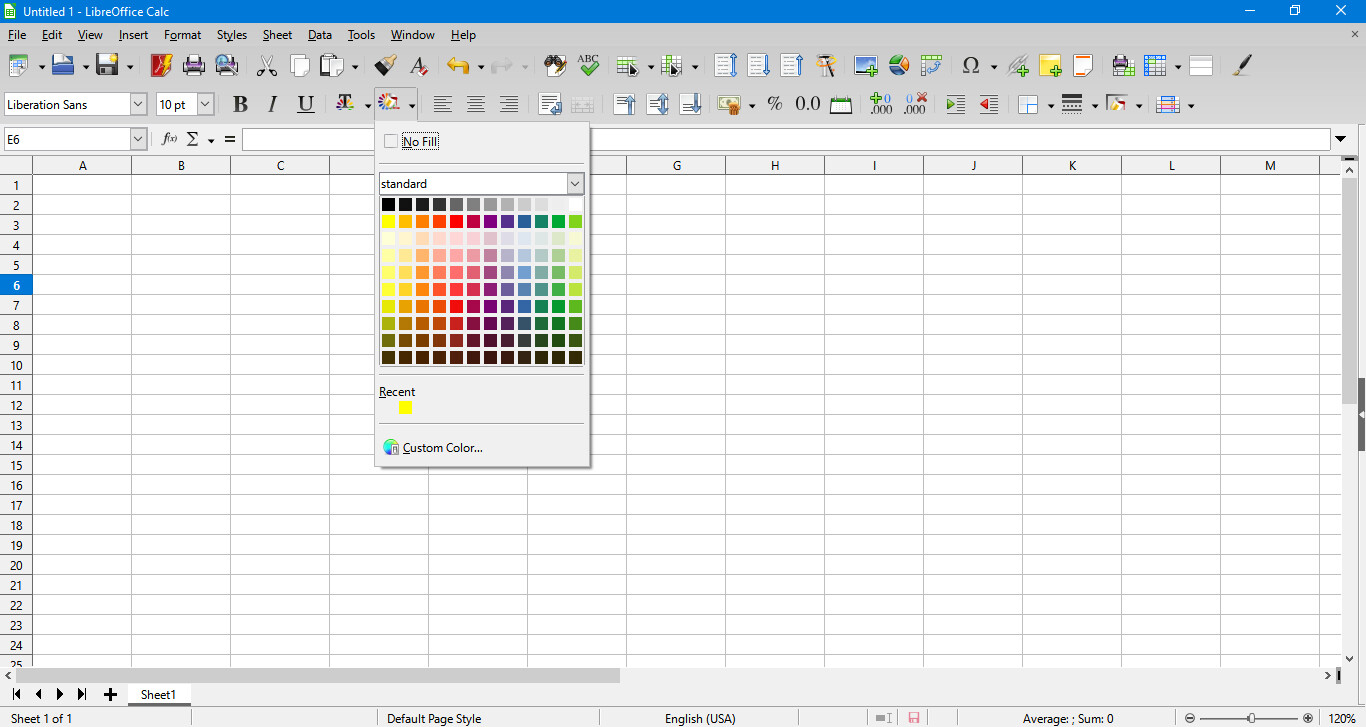
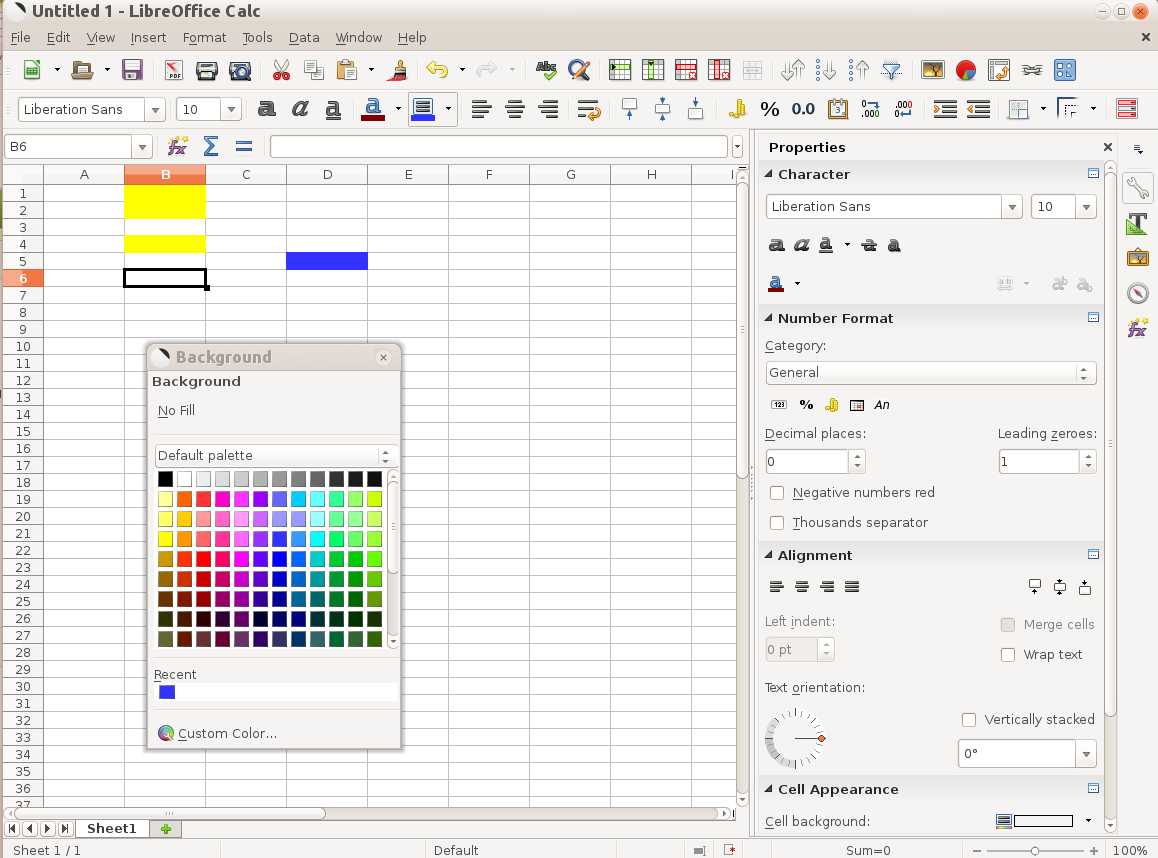
I’m unable to drag the Font Color
Palette or Background Color Palette
off of the toolbar
Because the palettes are not toolbars. The palette is an "item list " of a toolbar icon. You can drag only the toolbars.
My workaround tip:
Use the Customize feature - Create some new Toolbars, and put the desired function into the Custom toolbars (one function only for each of toolbars). Then you will able to drag the little (single icon) toolbars (where you want to drag them to), and the “item list” of the only one function will drop down under the “replaced”/dragged icon.
You can switch OFF the original icons on the main toolbar - or you can use the new ones as some duplicates.