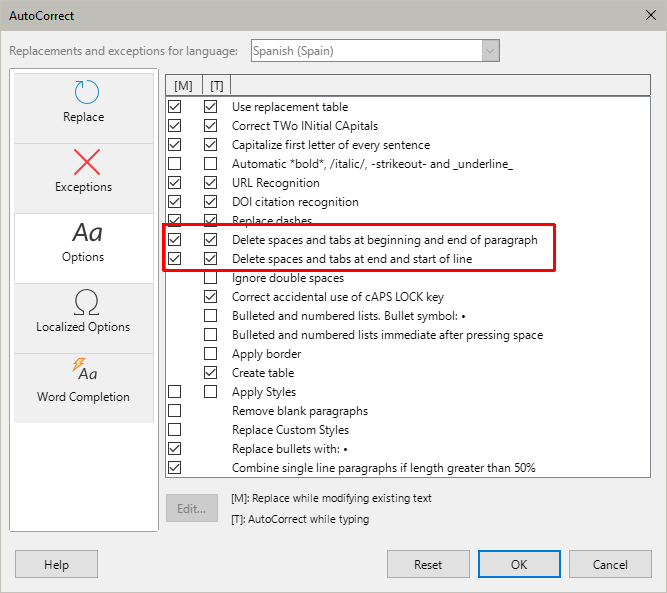
When I create a new line in Writer and enter exactly one character, pressing the spacebar does not move the cursor or add any visible spaces. I get visible spaces if I enter more than one or zero characters.
In the video, I type the letter “T” and vigorously press the spacebar. No visible spaces appear. If I type more than one character and continue the sentence I can type spaces. If I enter a new line, the problem reappears.
An imgur video link is available at: https://imgur.com/a/qMXbnZH
Perhaps there is some setting that I unknowingly enabled that is causing the issue? Maybe something related to autocorrect?