
When i try to open a data base file it does not open,instead it takes me to where i would create one. Then i click on open existing file, it brings me back to the beginning
Please paste here the information in Menu>Help>About LibreOffice.
(There is an icon in the center to copy the information).
@jjnbb How do you try to open the Base file?
Start the desktop and start it from recent file?
Start from Base Database directly?
Add a screenshot to show your problem.
I open libre from desktop, then i choose open existing database file, then i click on the icon that says open. Finally the page that comes up is the page with four sections where you would start a new database, as if you were going to start a new file
You get something like this?
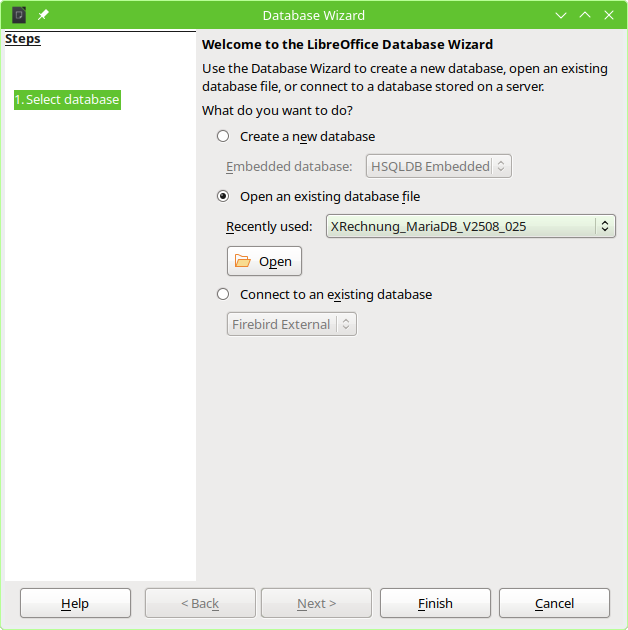
If there is chosen a file (like the Recently used “XRechnung_MariaDB_V2508-025” in screenshot you have to press “Finish”.
You could press “Open” for the file manager to search for a file, which isn’t in the list of recently used files.
I appreciate the visual and I tried it. But it did not bring up the file, only the page with the 4 sections to create a data base
Screenshot is needed.
4 sections: Go to section “Table”. Create a screenshot of Base window (with the status bar on the bottom).
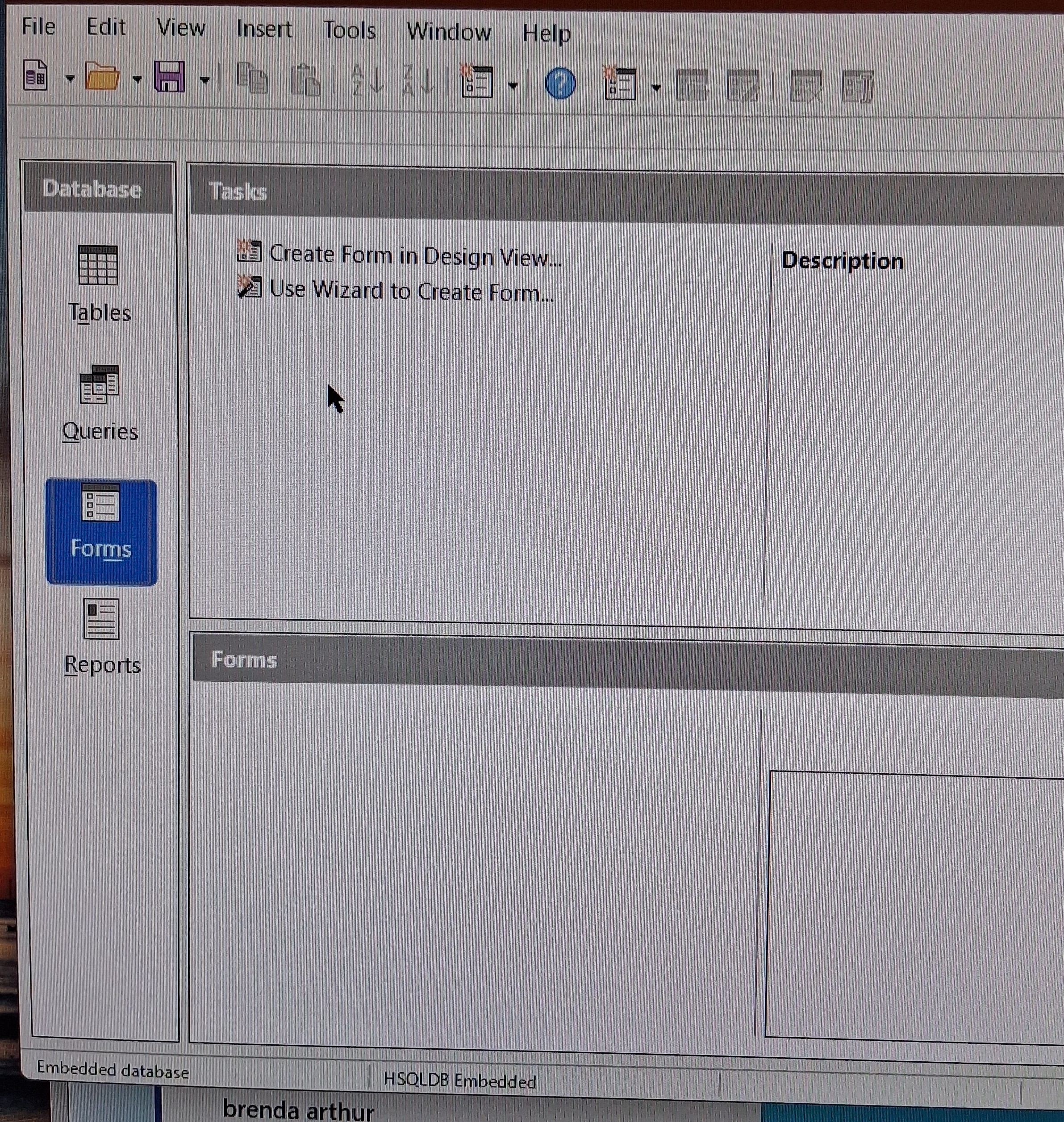
On the left you see “Forms”. Now switch to “Tables”.
I had a bad time trying to get a screen shot because of my phone. I did what you have suggested and the same page came up, except that the Tables was highlighted.

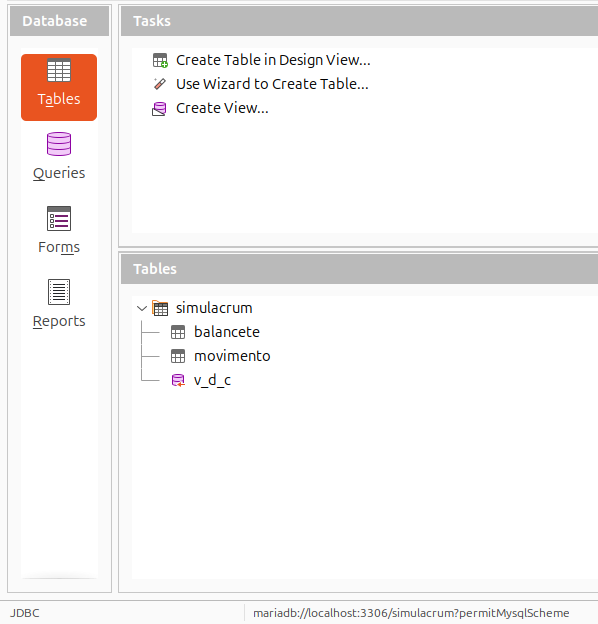

Screenshots shows an opened database file. It shows the folder for Forms. This won’t happen by default for a new Base file. A new Base file opens with tables pane.
@jjnbb Which kind of Base file do you want to open?
I thank you so much for your time. I will be redoing my art inventory data base.