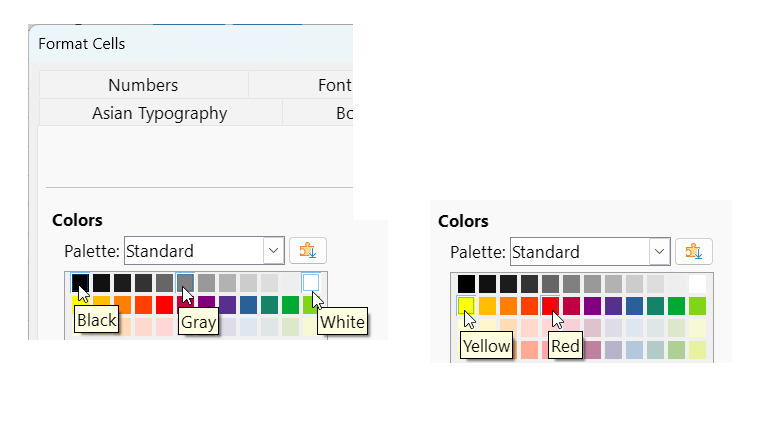
I’m using Dark mode and Dark application colours, but I’d like to change the default colour red used for negative numbers (to Light Red 2 so that it’s less vibrant and a bit easier to read with a black background). Is there an option somewhere to change this?
I tried using conditional formatting but the font colour is ignored (but I can change other font styles). The default colour red used for negative numbers must take higher precedence than anything specified in conditional formatting, it seems.
Thanks