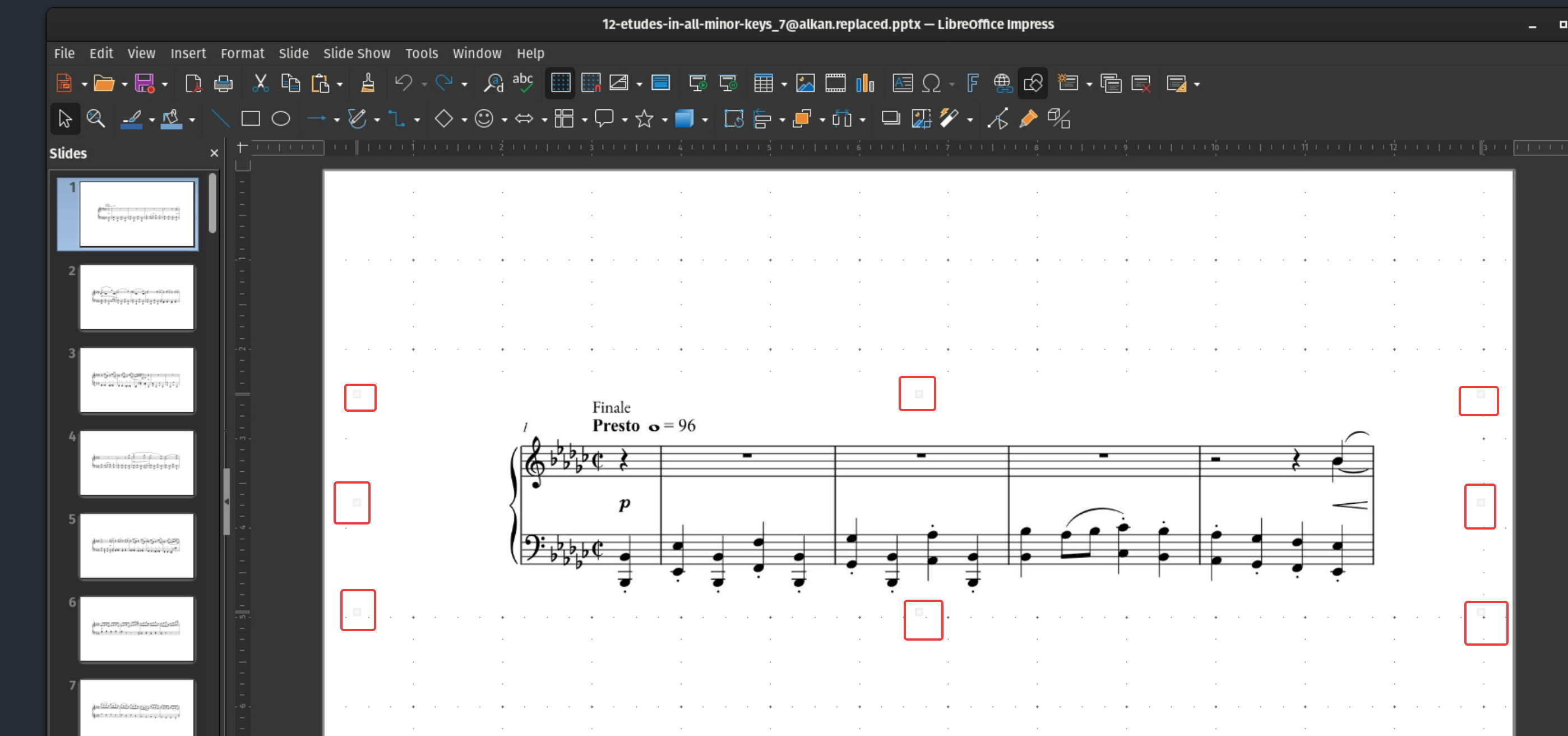
I am editing images in a slide, but in LibreOffice it doesn’t show a border around the image indicating that it has been selected. The 8 control handles at all corners and edges in my system are displayed as a white color very close to that of the slides’ white background, making them extremely hard to be seen. Can I change the colors of the edit handles?
I have asked AI, getting replies that these colors can’t be changed independently and the only way is to change the icon theme or system’s highlight color. I’m on Pop! OS and using gnome desktop. Gnome shell version 46.0. Is there any way I can make the control handles a different color?