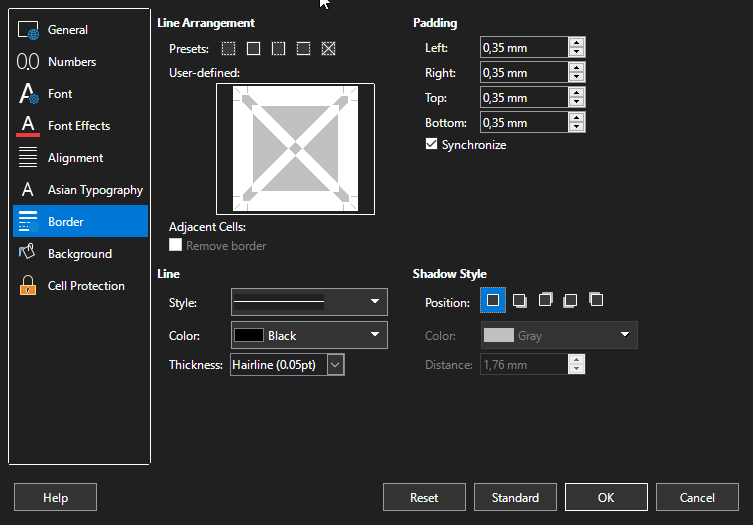
Hello. I need to create a style with vertical borders on every cell. But when I create a new style, I can only edit single cell’s borders :
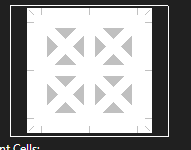
Essentially, I want to edit this when I create a new style :
How do I do this ?

Hello. I need to create a style with vertical borders on every cell. But when I create a new style, I can only edit single cell’s borders :
Essentially, I want to edit this when I create a new style :
How do I do this ?
I get different edit patterns when I select a column, a row, a 2-dimensional range or a single cell. Cell styles apply borders to each single cell having the style.
Since a bordered cell range can have many different subtypes of data (dates, times, percent, currencies, integers, text), I prefer to apply borders through hard formatting.
Just select the left or/and right border and apply the style to the cells.
.
Select the range and double-click your new style.
Coincidentally, I recently considered how "TableStyles" could be implemented. A first, very simple approach based on a few lines of user code is demonstrated in the attached document. You will need to study the code to be able to apply it as iontended.
(Unfortunately the examples width diagonaly show some artifacts. I think that’s a bug.)
FormatAsTableApproach_0.ods (12.6 KB)