
.I have tried several time following the help instructions but my labels always show the control names like name,add1,add2 etc instead of the data in the spreadsheet.
I’m not a beginner but I am new to LO previously using MSO.
I saved my xlsx to .ods and used the wizard to register it.
I used File New Labels to create my document.
Then print Preview but…
I’m sorry this so vague but I must be missing something.
Any help will be very welcome.
Bill
Maybe something like
but maybe simply tell LibreOffice to show content:
On your other point:
If it is the same as in mail-merge, simply use print and generate a file. That file you may preview…
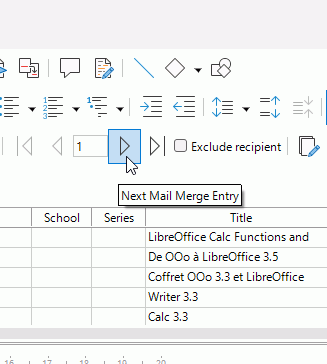
Print preview will show what you see on screen, it will not populate the fields. To preview a specific record, click the Next Mail Merge Entry arrow.
To see a sheet of labels, you have to click File > Print (Ctrl+P), you will then get a dialogue asking you if you want to print a form letter, Yes. In the new dialogue, you can print to file, or print to a pdf printer to get a preview.
Note well: You might have to insert a Next Record field (Insert > Field > More fields > Database) at the end of the first label, then click Synchronise or you will end up with a sheet for each name.