Impress background image bug?

I have a very bad bug in Impress:
I assigned different background images to different pages.
This works perfectly while the applicaton is running.
But after saving and restarting the application the last background image I assigned apperas randomly on multiple other pages.

There are very old bug reports about this but I don’t find anything from 2025 in this forum.
What is a possible workaround?
How to report this bug to get fixed?

Version: 24.2.7.2 (X86_64) / LibreOffice Community
Build ID: 420(Build:2)
CPU threads: 16; OS: Linux 6.14; UI render: default; VCL: gtk3
Locale: de-DE (de_DE.UTF-8); UI: en-US
Ubuntu package version: 4:24.2.7-0ubuntu0.24.04.4
Calc: threaded

One workaround might be: Save the file as PPTX. :frowning:

This is one of the very old tickets I found: 42333 – Slide background picture reverts to 1st background on close/reopen

but was never reproduced.

any actual .odp exemple ?

I reproduced it 3+ times with this presentation.
Of course I can’t share the full presentation but this minimal version behaves the same way on my computer: (see video below)

  1. Set background picture on slide 2.
  2. The slides are displayed correctly.
  3. Save the file.
  4. The slides are still displayed the correct way.
  5. Close Impress.
  6. Open file again.
  7. Slide 1 has the same background image which was only assigned to slide 2.

Defect file: defect.odp - Nextcloud
Here you can see what happens (short video): Bildschirmaufzeichnung vom 2025-12-02 21-11-49.webm - Nextcloud

ok, so that’s the key here …
how do you do that ?


see the duality here Set Background Image in Impress
Changing the Slide Background Fill


if you actually untick Slide > Master background your first slide won’t have a bg image.
(although it’s not refreshed directly in the Slides panel, which is a bit misleading :face_with_thermometer: )

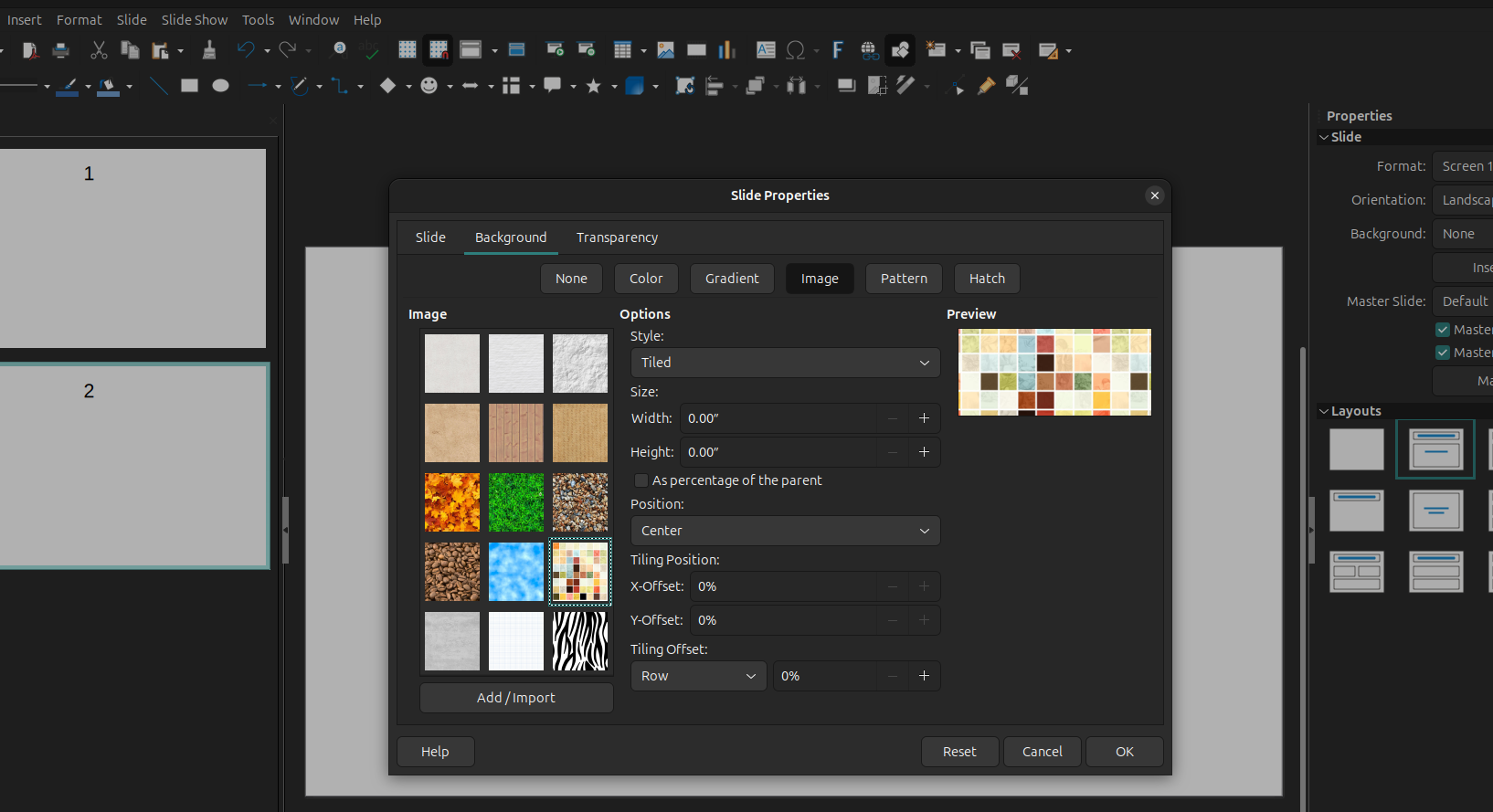
going for Slide Properties > Background > Insert Image… seems more stable.

Thanks for your help. As you say: It is confusing and that probably why I didn’t understand your solution.

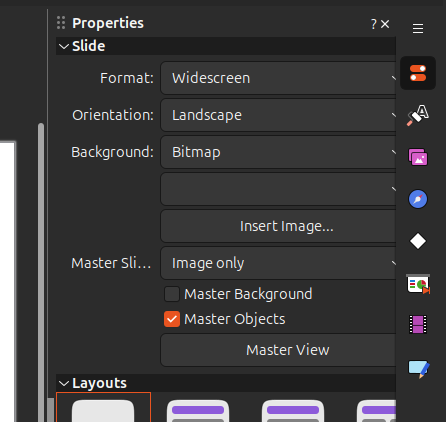
I use these settings here:

image

Using the menu Slide / Set background creates the same bug.

Using Slide > Background I can import a file which can then be used as background image. But that’s not how this should work I think. Why can’t I just assign an image as background?

As you can see I unticked “master background” which makes it even worse:
The background appears now on the other slide ONLY while the slide where I added it has no background. Even after opening the file again.

Right now I’m even more confused… :frowning:

Jan

yep.

use right click > Slide properties :

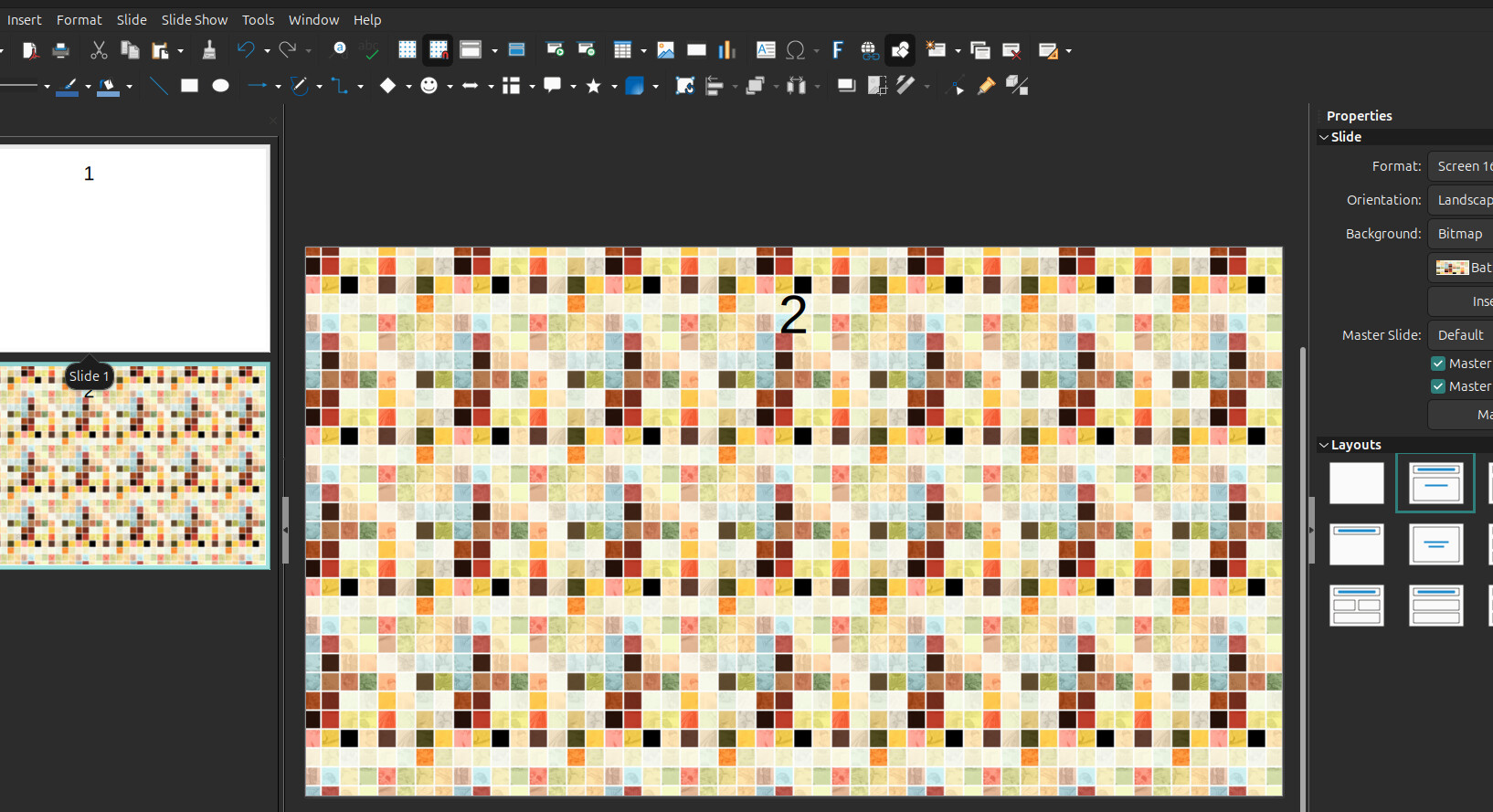
it gives :

and it survives to close/reopen :wink: