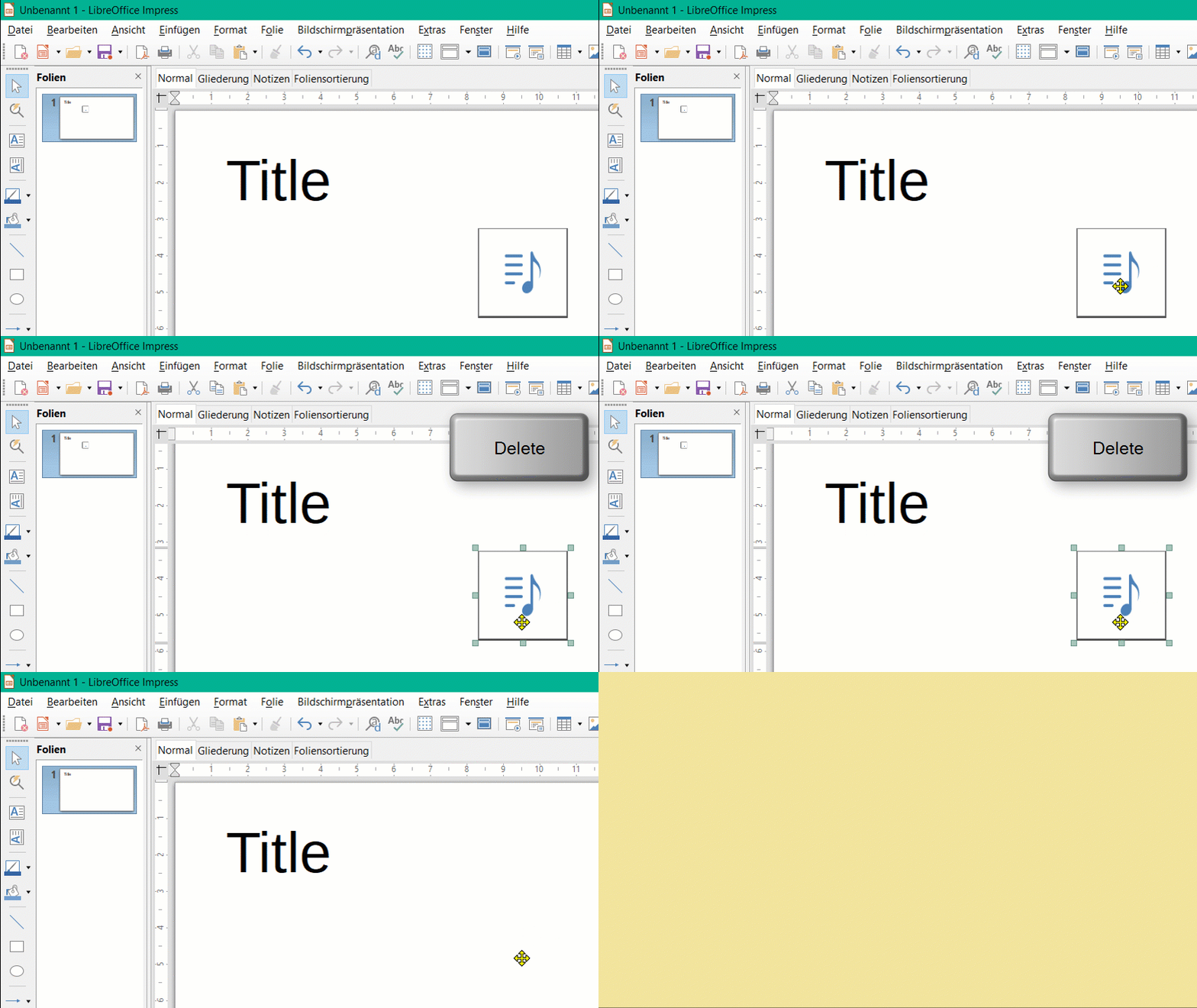
On my slides in Impress, I am getting a musical note in the bottom right corner. I am having difficulty removing and keeping it removed. I don’t know where it came from.
You probably accidentally inserted audio.
You can do it via the Insert > Audio/Video menu.
To remove it:
Mark the object and press the “Delete” button.