New Macbook Air won't open Database. Text and Spreadsheet open fine.

If I try to create a new database and name it 2 it says:

The connection to the data source “2” could not be established.

No Java installation could be found. Please check your installation.

If you then click on the more button you get two errors.

The first error says:

The connection to the data source “2” could not be established.

And the second error says:

SQL Status: HY000

No Java installation could be found. Please check your installation.

Java has been installed. Called Apple and they said it was something in LibreOffice

If you try to open an existing datable named Dewalt Labels it says:

The connection to the data source “Dewalt Labels” could not be established.

The file file:///Users/barrydbennett/Documents/Libre%20Office/Dewalt%20Equipment%20Labels.ods could not be loaded.

If you click on the more button you get three errors.

The first says:

The connection to the data source “Dewalt Labels” could not be established.

The second says:

SQL Status: HY000

The file file:///Users/barrydbennett/Documents/Libre%20Office/Dewalt%20Equipment%20Labels.ods could not be loaded.

And the third says:

The attempt to load the file resulted in the following error message (com.sun.star.lang.IllegalArgumentException):

Unsupported URL <file:///Users/barrydbennett/Documents/Libre%20Office/Dewalt%20Equipment%20Labels.ods>: “type detection failed”

Anyone else run into this problem after upgrading to a new 2025 Macbook Air?
See this page Install Java

Already have and it was the one for the latest IOS. Java worked on the previous Macbook but for some reason Libre says it couldn’t find it.

Can you add it in LibreOffice > Preferences > Libreoffice > Advanced as shown in this Apple discussion page, https://discussions.apple.com/thread/255510223?sortBy=rank ? Or did it come from the Apple store?

Precision is important here:
There is no LibreOffice for iOS, but only for MacOS.
.
No OS can “find” abything on another computer/ your old laptop unless you copy it yourself.
.
My guess: Your new MacBook has an Appple/Arm-Chip M1, M2, M3… and your available Java is for x64 (Intel-Chips).
.
And also note: Versions must match. LibreOffice x64 will most likely not run with Java for M1. After introducing their own chips (based on arm) there are now 2 different designs under MacOS, and Java is one point where this shows.

If you want to create a new database: Create an external Firebird database. Works without Java.
But: You couldn’t use wizards in Base without Java. And you couldn’t use the ReportBuilder.
Edit 1: See you want to connect to a *.ods-file. This should also work without any Java installation. I would test to connect to the *.ods-file in a path without any spaces.

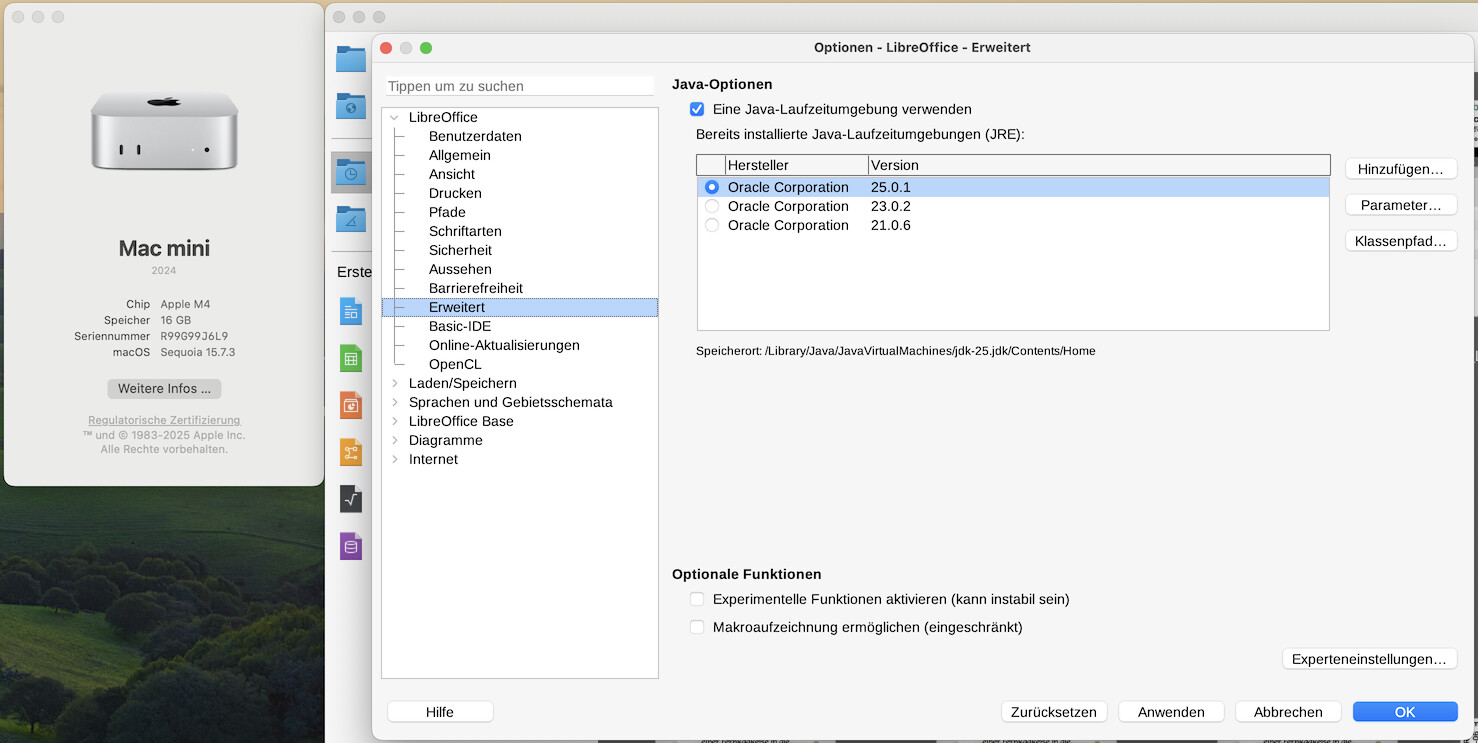
On my Mac Mini are installed:


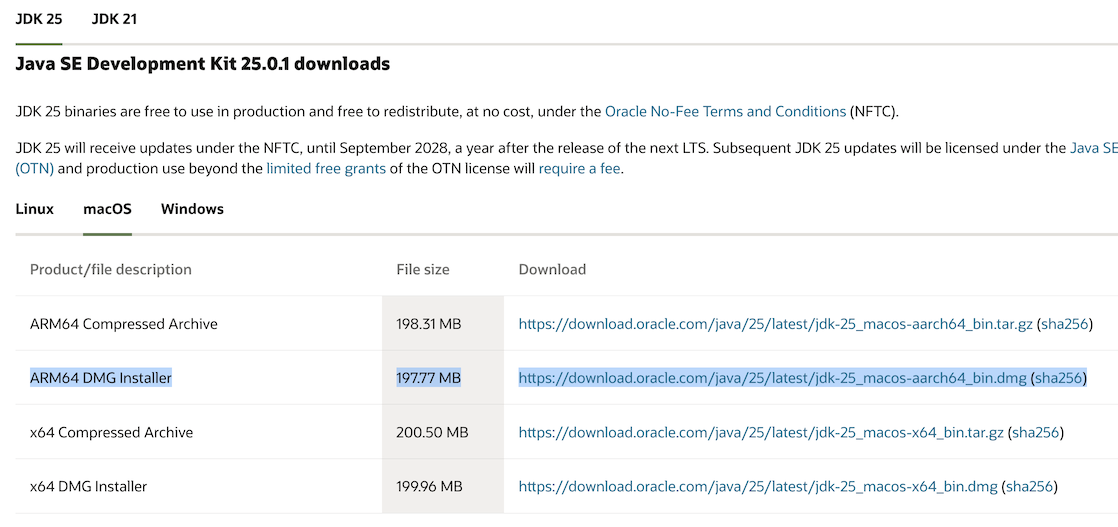
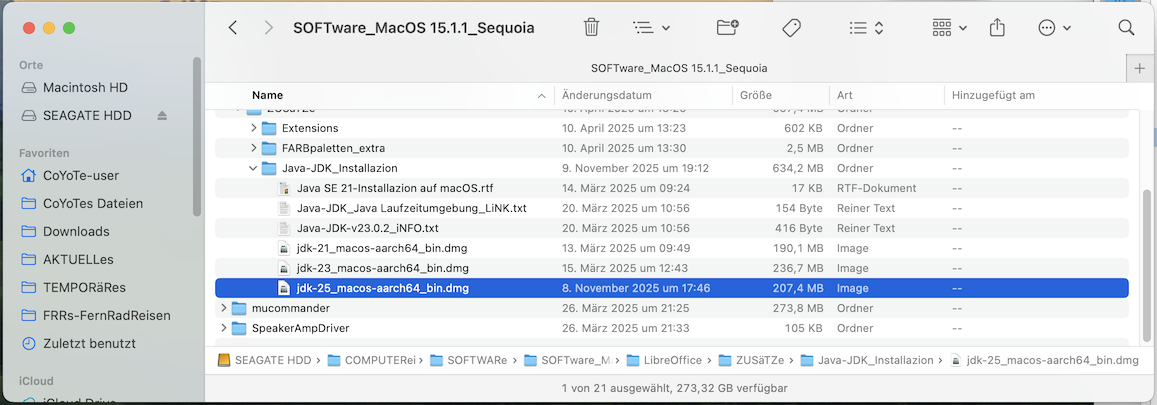
you will find the file <www.oracle.com/java/technologies/downloads/#jdk25-mac>