
Hi all, I’m new here and I get a problem in printing a doc : I created it in an A4 page format and want to print it as a booklet that would have 2 pages in A5 page format recto-verso. It worked well many times. I changed some content and now it shows the print overview correctly (in the print window) but prints it in a full A4 format ! I can’t understand why, tested many times with no success. I run MacOS Sequoia 15.7.3 and LibreOffice 25.8. Thanks to help !
I haven’t used Brochure for a while but I see that if I try printing a brochure using file below then the preview looks OK. If I change the printer to another printer then I see a portrait page with the brochure page at the bottom; it still shows the wrong layout if I change back to the original printer.
BrochurePrint4pp.odt (11.2 KB)
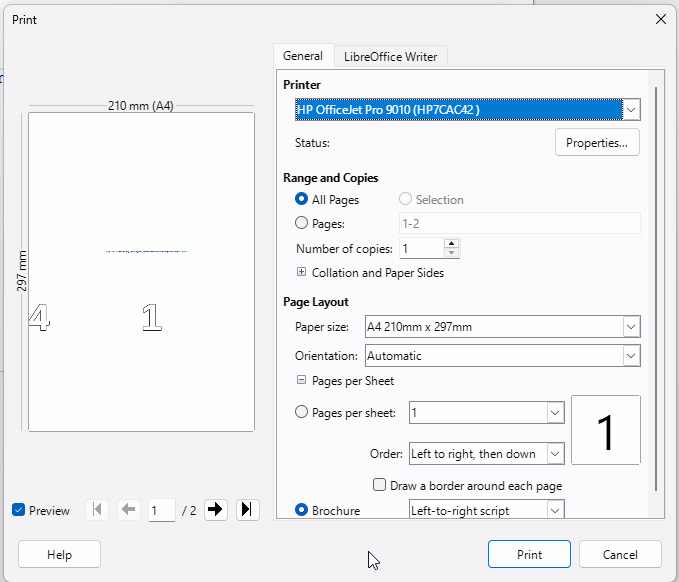
If I do the same with an earlier version, say 24.8 then the preview looks OK.
I think you should report a bug and post the bug number back here in the form tdf#123456
Hello, thanks for your answer.
I tried reporting a bug, however I couldn’t as it always mentions there’s no 25.8.4 version of the LibreOffice software ! So strange as it is the current version (see the attached screenshot) !!!
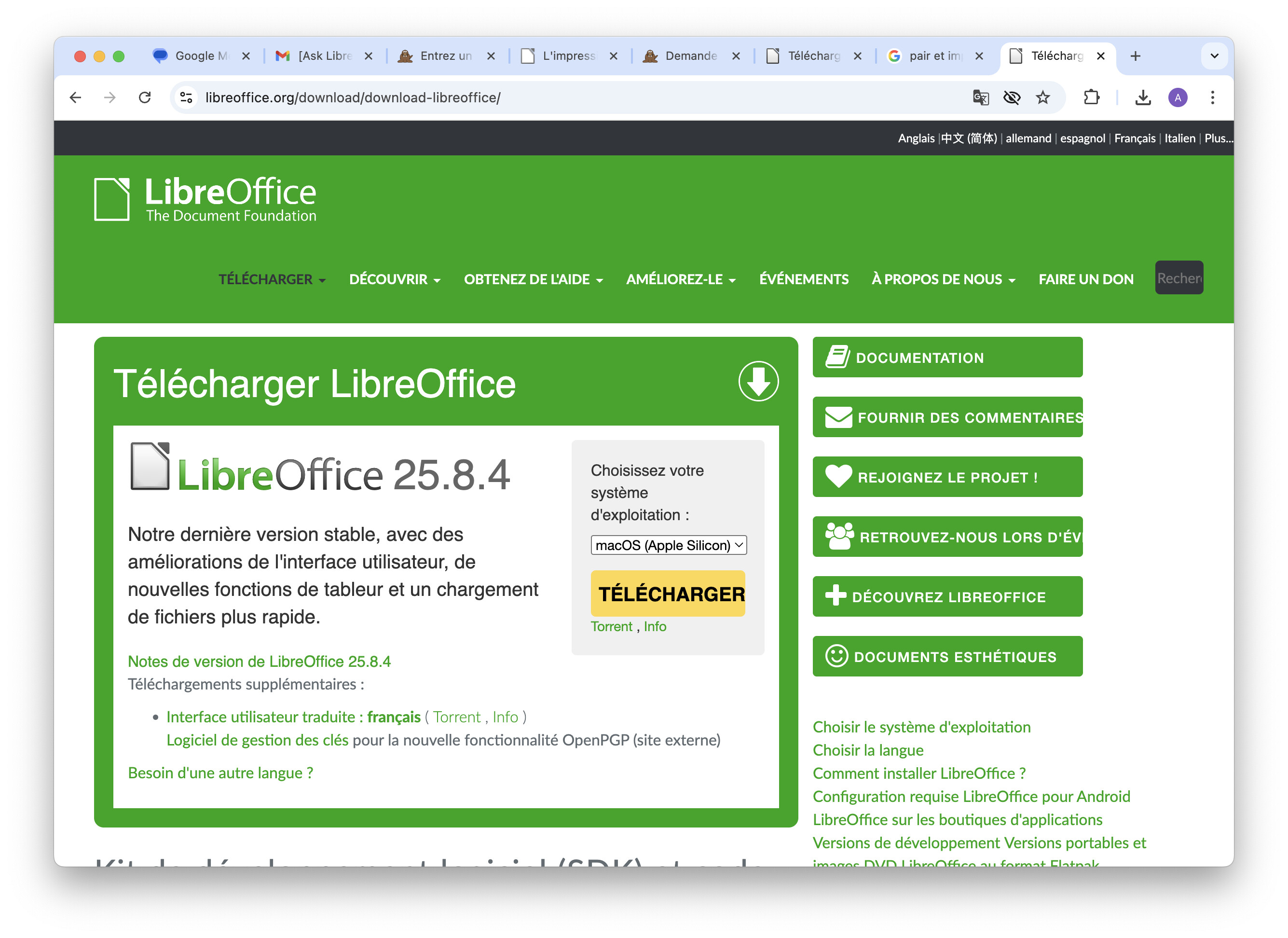
Report the bug but refer to the newest version of 25.8 that is listed. I get the bug on 25.8.2.3
Sorry no such version (see attached screenshot).
The only one version that worked is 25.2.0.1 rc which obviously isn’t the right one. But I sent it under tdf#170303.
Thanks for your help.
Regards, Cnilon
1 Like