Selected cells have black background/white text after update

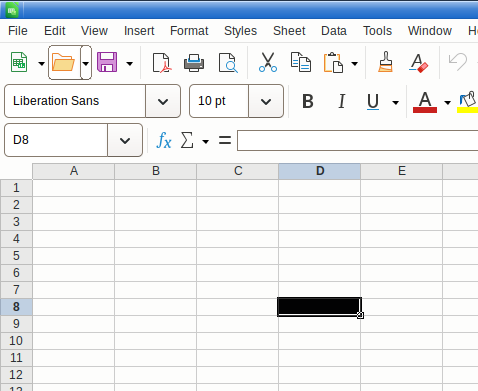
After updating to 25.8.4.2 on Debian 13 with XFCE my calc renders selected cells with inverted colors, i.e., white on black:
image

I don’t think I have ever set any Options/LO/Appearance/Customizations before but have reset them. The “Cell focus” is set to “Automatic” and shows the expected blue. I have also tried to select the light theme for the whole thing (was auto) to no avail.

Any ideas why this might have happened or how to fix it?
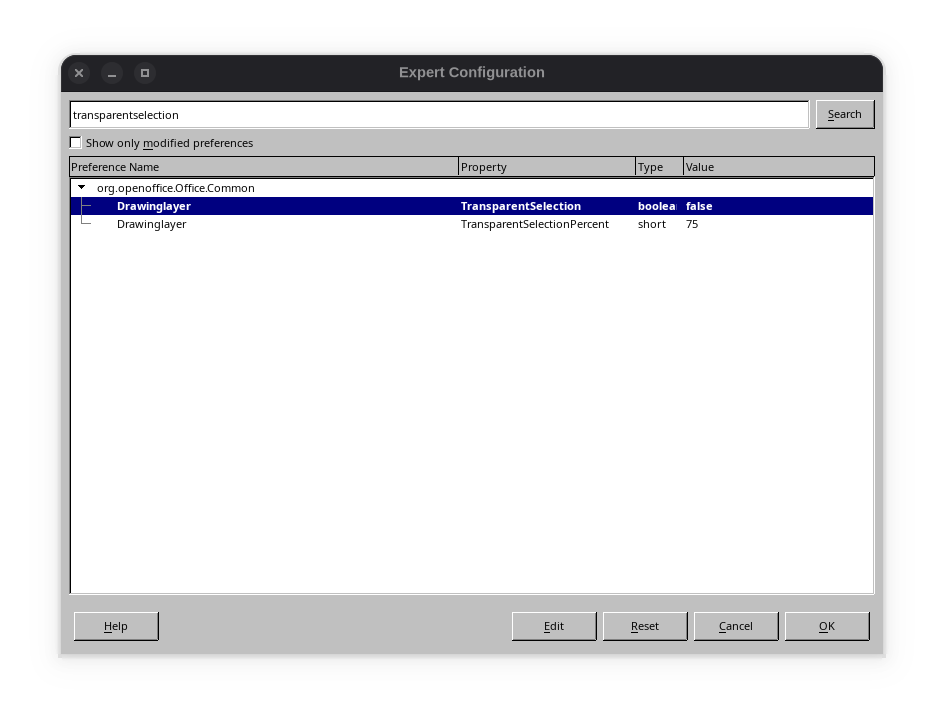
Tools>Options>Advanced, button “Expert Configuration”.
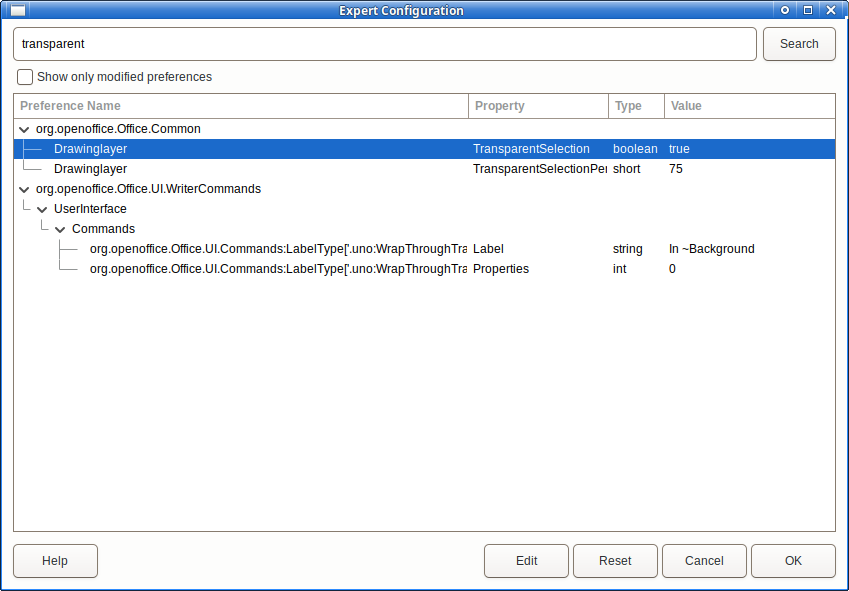
Search for “transparentselection” and turn it on.

1 Like

That’s already on.

Click Tools > Options > LibreOffice > Accessibility and set High Contrast to Disabled.
You might need to restart LibreOffice to see the change.
The Help button in the dialogue will provide a little more information.

1 Like

Changing it from system to disabled worked (without a restart). And that’s actually correct behavior: I am using XFCE4 with a style called “High Contrast”. Not sure when I have changed that but definitely before the Debian upgrade. Thank you.