Selecting non contiguous cells in table

I can’t use the ctrl key to allow selecting additional groups of cells in a table in Writer. I select a cell or cells, then with ctrl key depressed I use the left mouse button to select another cell. Intead of adding the second cell to the original selection it cancels the original selection. This is happening on Linux Mint and on Widows 11. LO version 26.2.1.2. Both OS-s are totally up to date. I even tried uninstalling in Linux then reinstalling but the problem remains. This problem doesn’t happen in Calc, only in Writer. In Writer I can use the ctrl key to select separate pieces of normal text but not to select separate cells in tables.

What am I doing wrong?
Tables in Writer are not simple formula grouping containers. In Calc a cell contains a single data or formula. A Writer cell is a full-fledged sub-document. When you copy, the collection of subdocuments is stored in the clipboard with the container “geometry” (a sub-table).

When you paste, a new table is created.

Conceptually, there is no problem with contiguous selection. Now, what is the meaning of a non-connected selection? Would this create a global table able to contain the whole selection (the “convex hull” of the selection) with empty cells between the “control-clicked” groups?

What is your expectation? Describe a use case.

I think that the semantics of Ctrl-click is not presently defined. Consequently the implemented behaviour is probable the saafest.

Thanks for your response ajlittoz.

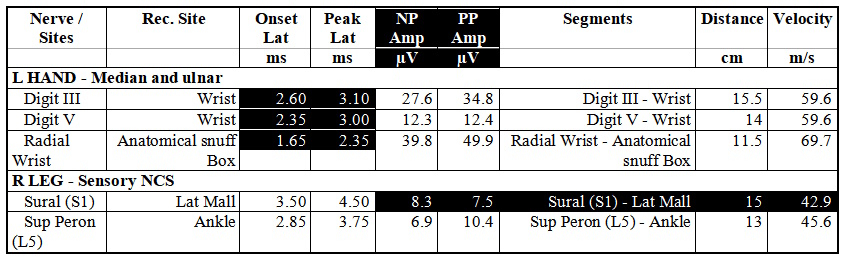
I can select one set of contiguous cells with the left mouse button, as here:

[sorry, new user - can only embed one graphic - continues in next post]

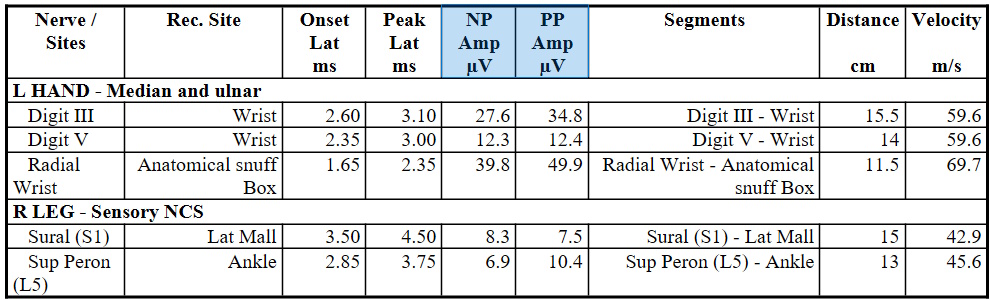
If I then depress Ctrl and try to select further cells then the first cells are deselected. I can do this in MS Word, as here:

tdf#34397
(“EDITING request functionality selecting not adjacent cells in table”)

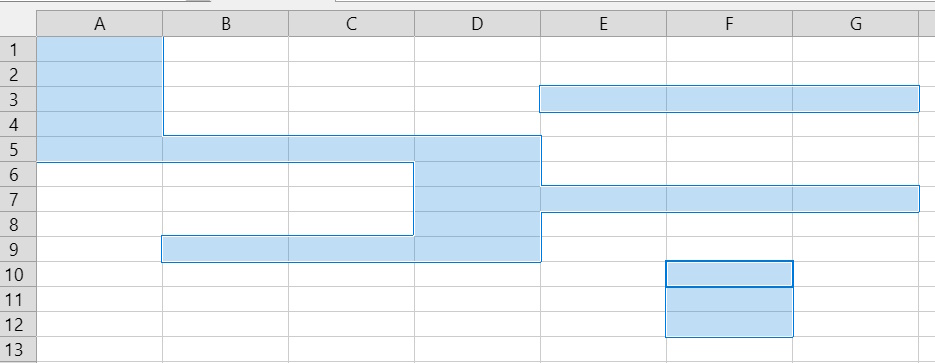
I can also do it in Calc, as here:

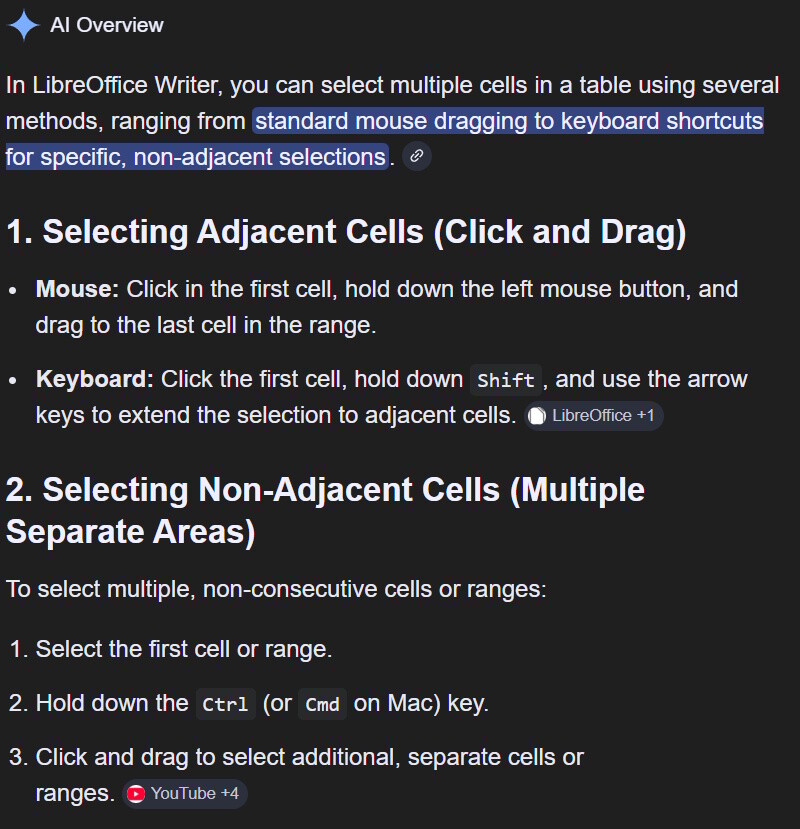
I have Googled this dozens of times and all the articles I’ve found say this should be possible, as here: