
I need a solution to my problem! When I select an object made from a combination of two objects, such as this square png intersected with a circle shape, Impress freezes for a few seconds. This turns graphic-making into a huge chore; I make tons of these graphics and I’d prefer to make them in the program. Normal objects and grouped objects do not exhibit any odd behavior. Below are images to help visualize the culprit: The first is of the two objects, the second of the objects after using the Intersect Combination (although it occurs with any Combination), third is of the tool I’m mentioning.
Version: 26.8.1.1 (X86_64)
Build ID: bf6ef2662401c7d6dce671ab4deb26ee0af3a7c1
CPU threads: 16; OS: Windows 10 X86_64 (build 19045); UI render: Skia/Vulkan; VCL: win
Locale: en-US (en_US); UI: en-US
Calc: CL threaded
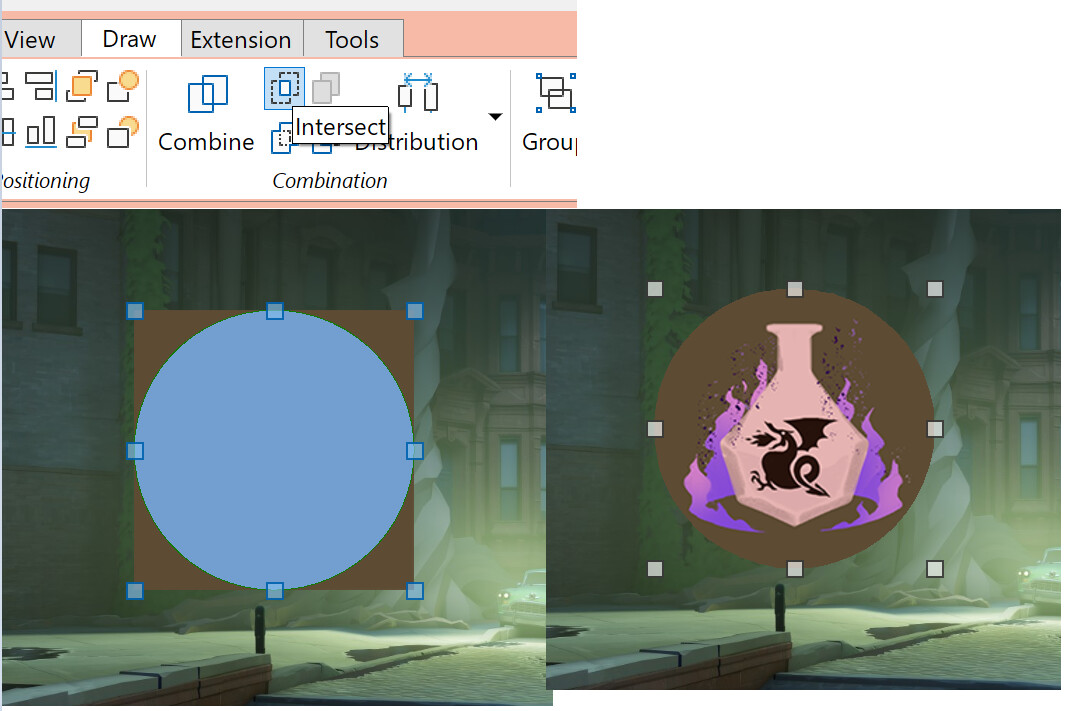
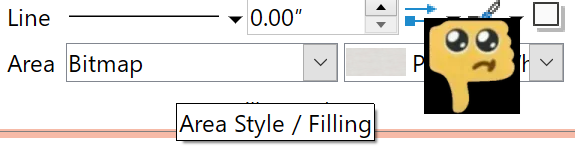
I’ve discovered that the combination tool creates a shape with a Bitmap area, and it is actually this which causes the freezing, so I’ll adjust the title.
Click Tools - Options - LibreOffice - View and tick the box Force Skia software rendering. Click OK and allow LibreOffice to restart.
Is the issue then resolved?
.
NB if you’re using a very large bitmap as fill then you might get some delay