
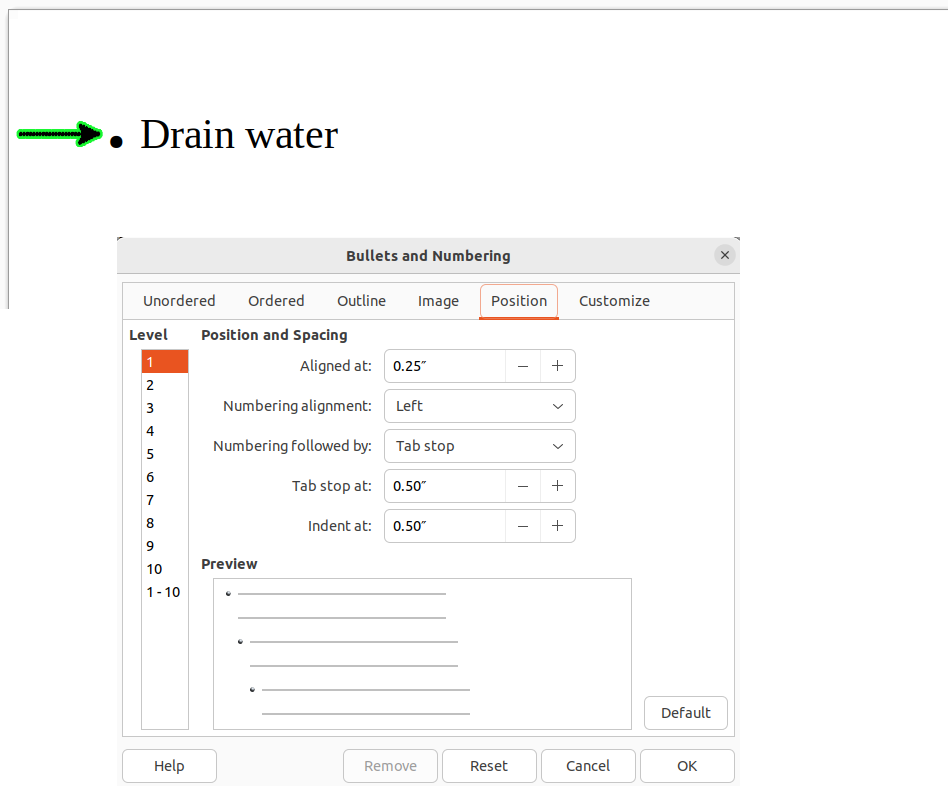
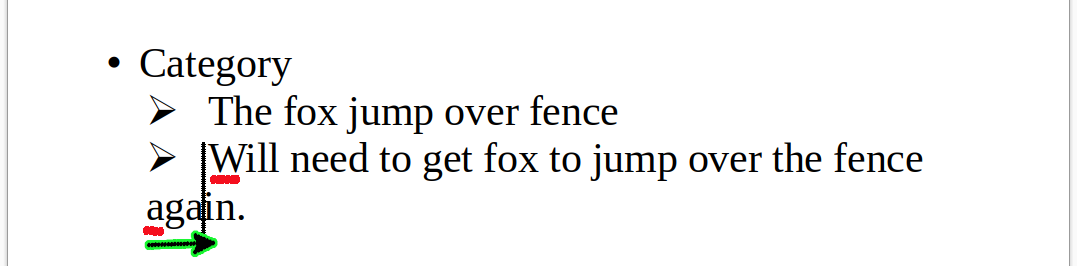
I’ve attached an image detailing what I want to do. Also how would I get the line break to line up with the first character next to the ‘bullet’ point?
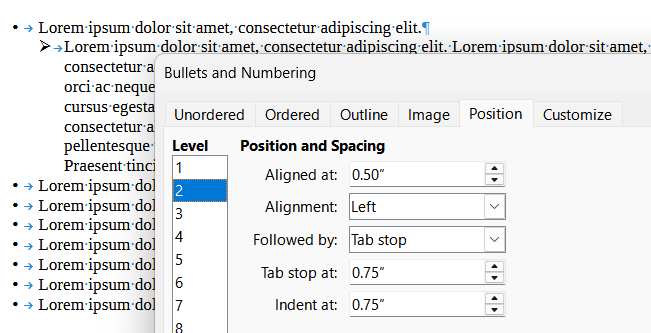
e.g.:
@risedu Set vertical position of bullet point?
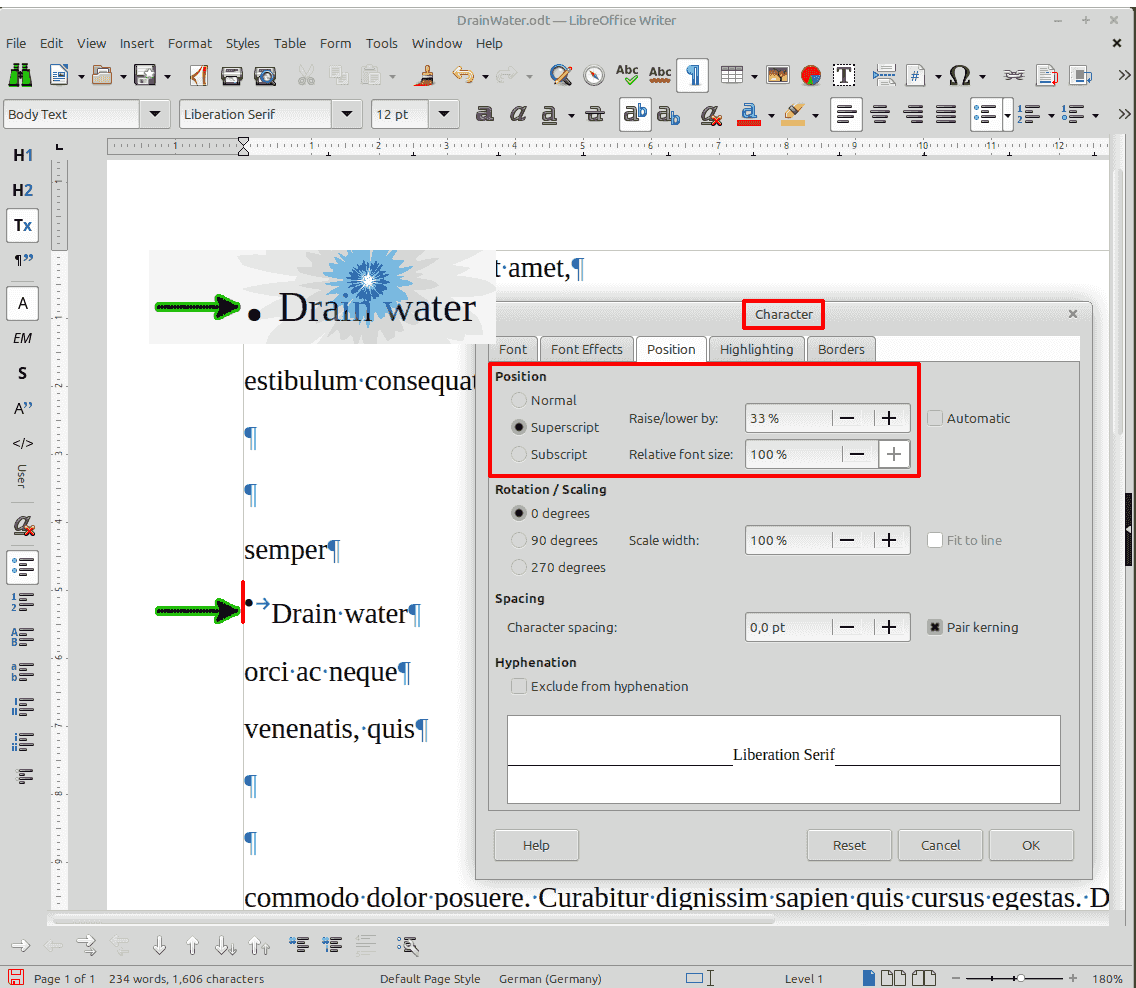
- Set the cursor to the very first point of the bullet list style or unordered list (direct formatting) - red line on screenshot
(could also be a field shading in some versions) - Menü Format | Character (or shortcut Alt+C or right mouse click on Character)
- Alter Position values
See attached screenshot:
To play with vertical position of the bullet (or any other attribute), go to the Customize tab. Adjustment can be made separately for each level.
Select Numbering Symbols from the drop-down menu Character style. Then customse this built-in character style. The parameters you’re interested in are in Position tab.
Note: you seem to direct format your lists (usage of Format>Bullets & Numbering. A more orderly approach is possible to avoid to reconfigure over and over your lists when you create a new one: define your own list style or customise and existing one.