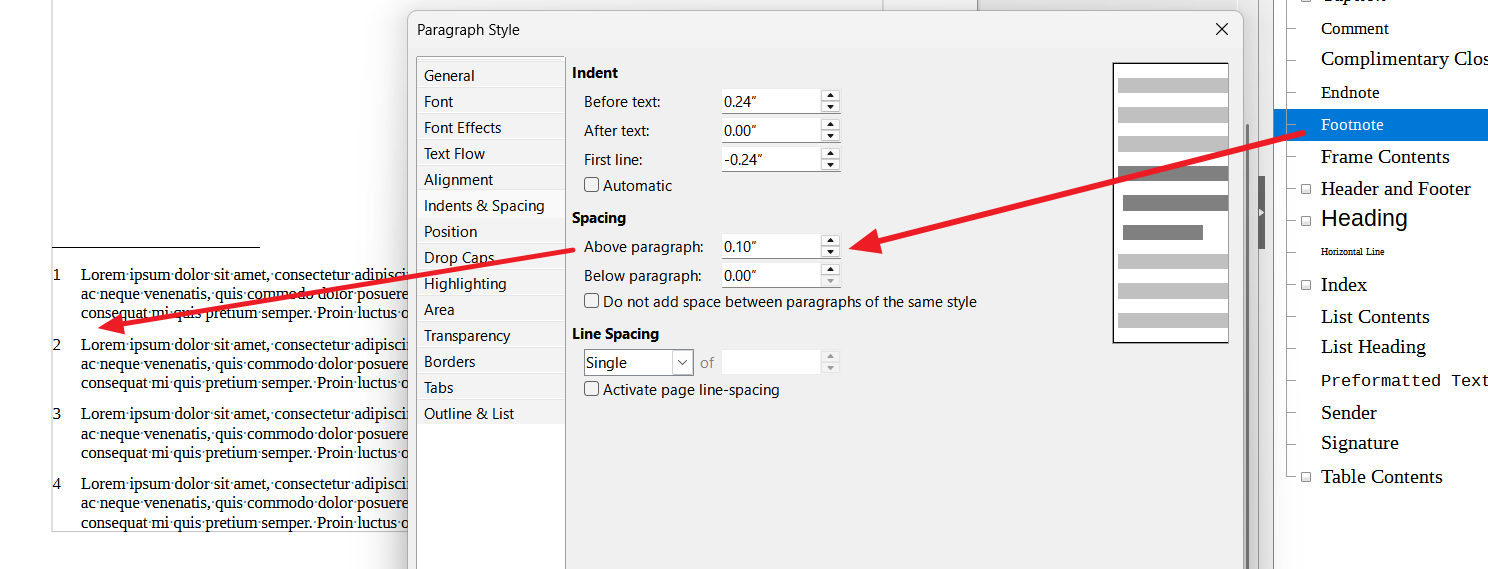
My footnotes are showing packed together vertically. It’s not a big deal, still, if it were possible I’d prefer a space between them:
Possible? I find I can add a space manually, but that’s suspect since footnotes have their own logic.

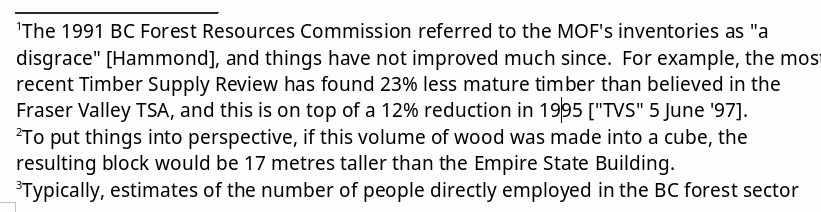
My footnotes are showing packed together vertically. It’s not a big deal, still, if it were possible I’d prefer a space between them:
Possible? I find I can add a space manually, but that’s suspect since footnotes have their own logic.
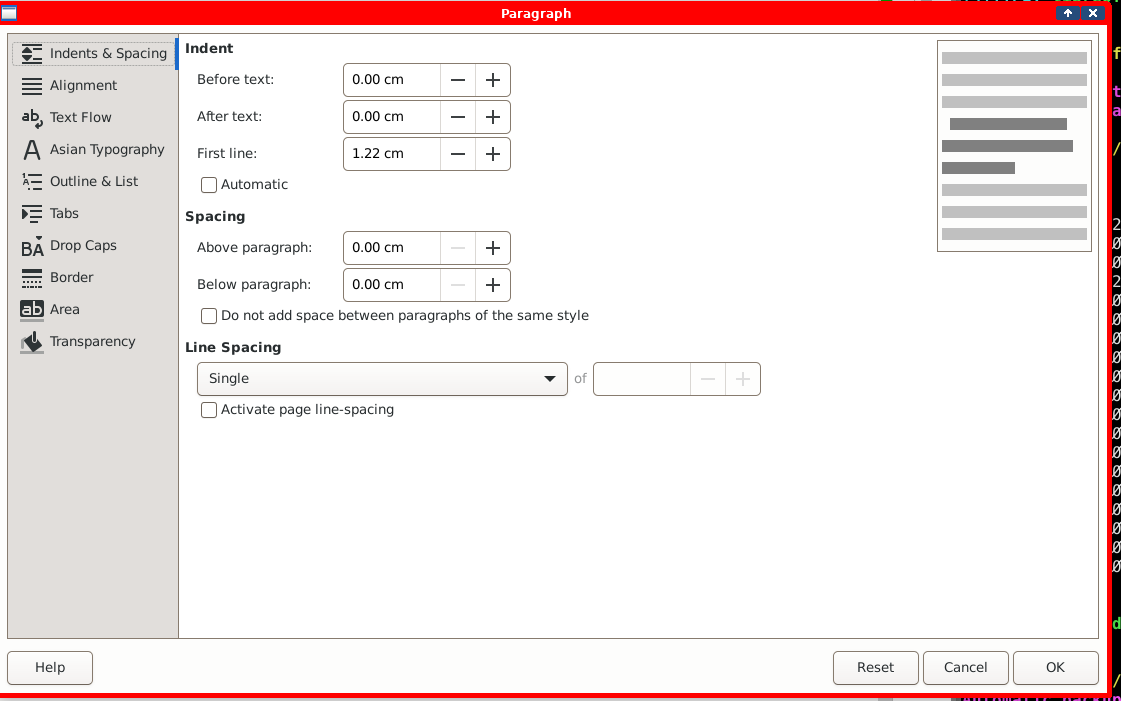
Excellent, thanks … but Format > Paragraph shows me this:
… doesn’t look quite right. How do you get that column on the right in your screencap? I’m not sure the change I make there is exclusive to footnotes.
Because you must modify built-in paragraph style Footnote.
Activate the side style pane if not done already (Styles>Manage Styles or F11). Then right-click on Footnote and Edit Style.
Steep learning curve … so much power … but it’s scary at first. Tx.
Can I change the maximum size of a footnote? I have one that’s spread itself over two pages, I’d like to get it on one page if possible.
You can’t change the size of a footnote. Its size is determined by the number of paragraphs. And each paragraph has its own “size” driven by Footnote paragraph style (line spacing, spacing above and below, indents, font properties, …).
But you can change the maximum height of the footnote area in a page. This is configured in the page style. Open it and got to Footnote tab. There is presently (25.8.4.2) a small bug which prevents from using the full page (or even more than 80% if I remember right). So, force manually the height to the maximum Writer will let you to.
I see that. Can’t get it to work tho, let me play with it a bit more.
It will go as high as 20.10 cm, but nothing actually changes. Although … I can reduce the size, and that’s applied, but I can’t get it bigger than about 7 cm.
Yup … 7cm max. If I reduce the font size my footnote compacts to the one page, but that seems the only way. Is this a bug?
There is another factor. Footnote area can’t begin higher than the note anchor. Consequently, if your note is called out rather low in the page, it will be split anyway.
The 20.1 cm is approximately the max I can get.
In case there is something I don’t understand, attach a sample containing only the problematic page and 2-3 following. Making sure you don’t leak confidential or private data.
Bingo! That was the problem, the note was called right at the bottom of the page. I put in a page break and all’s well. Many thanks. I’m so new to this that I’m going to be leaning on the help here quite a bit. Good to know there’s folks like you at hand.
BTW, new topic but not very important: My font display box shows ‘Roman T (skalierbar)’ … whatever that is. In fact the font being used is DejaVu Sans, which is want I want, but if I try to change that box to DejaVu Sans, it keeps popping back to ‘Roman T’ … not really a problem but I’d like it to say correct.
Better to ask a new question because this site is not a “forum” where free conversation may occur. This is Question&Answers type: pages are sorted by their object or topic and every post in the page is supposed to be related. Thus, it may be helpful to users years after the initial question.
Concerning your font menu, attach a screenshot to the question. There are many possibilities: the most frequent one is presence of direct formatting disturbing peaceful application of styles. And in this case, a 1-page sample file is helpful.
Thanks. Sorry for being so lazy