Hot damn, I got it: block all relevant columns. KILL ALL DIRECT FORMATTING!! Right click > paragraph > paragraph > tab : . ‘0.5’, ‘decimal’ :
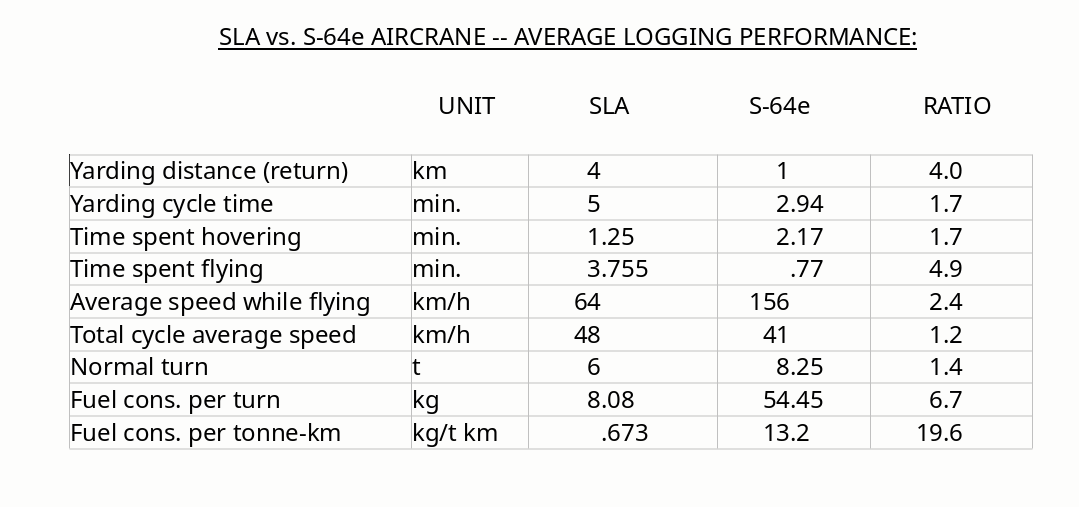
… now that’s what I call decimal alignment. Thanks my man.

Hot damn, I got it: block all relevant columns. KILL ALL DIRECT FORMATTING!! Right click > paragraph > paragraph > tab : . ‘0.5’, ‘decimal’ :
… now that’s what I call decimal alignment. Thanks my man.
Your tab configuration is incorrect: you align on a comma, which is not present in your text.
Fixing it is a bit tricky because you can’t update tabs (this is a known glitch in paragraph style). You must delete a tab stop and recreate it. When the correct character is set, your column displays as expected.
You can even improve your formatting and make maintenance easier: create a dedicated paragraph style for your columns. And remember to remove direct formatting because it has precedence over styles. With a paragraph style, changes are made in a single location (configuration dialog) and all occurrences are instantly updated.
First, it is a table so
For other tables in the document, you can just apply the relevant table paragraph styles and remove direct formatting
upload132120EA.odt (17.3 KB)
[Edit]
The caption for the table is Heading 3 paragraph style. It would be better to change the captions to Caption paragraph style (modify the style if needed) as you can then create a TOC for tables and it frees up Heading 3 style for its intended purpose… The Caption paragraph style has Keep with next paragraph set so it will stay with the table and not get separated across page breaks.
I was just noticing that … gotta kill DF! When the thing is created by the converter, it’s full of tabs. Gotta kill them.
I can’t get used to the bleeding ruler. So faint. No menu option to kill tabs. Someone online said you’re supposed to drag them off the ruler? Anyway I’ve done it once, so I can do it again. Given that this doc was created with 100% direct formatting, I’ve got 150 pages almost 100% styles now … just the tables to go …
I used the ruler to demonstrate that it could be done; styles work best. I only use the ruler as visual check very occasionally
Jesus! Is that a comma in there? Can’t tell the difference. Anyway I changed it to a dot, now well see …
Man, if I could change one thing … let’s have an actually visible ruler please devs.