
when I try to print a document, on my Epson XP 202 the print preview in writer does not match the one I get when I click print, which shows the text in landscape and very small on the left hand side. This is the version that gets printed. I need the text to reflect the one created in Writer . It keeps defaulting to landscape. I have re-installed both the printer and libre office. The same goes for old documents. It used to work perfectly, but no longer.
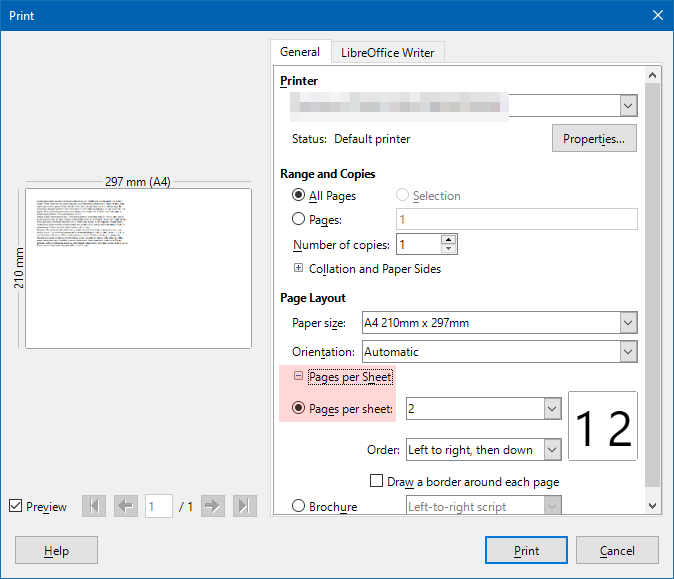
I’m sorry but I’ve tried this and it doesn’t help.
Can you share a screenshot of both previews? Thanks.
Hi Leroy,
It suddenly started working properly again for no apparent reason!
Many thanks for your help.
Bernie
1 Like