Docx and Doc don't show column line

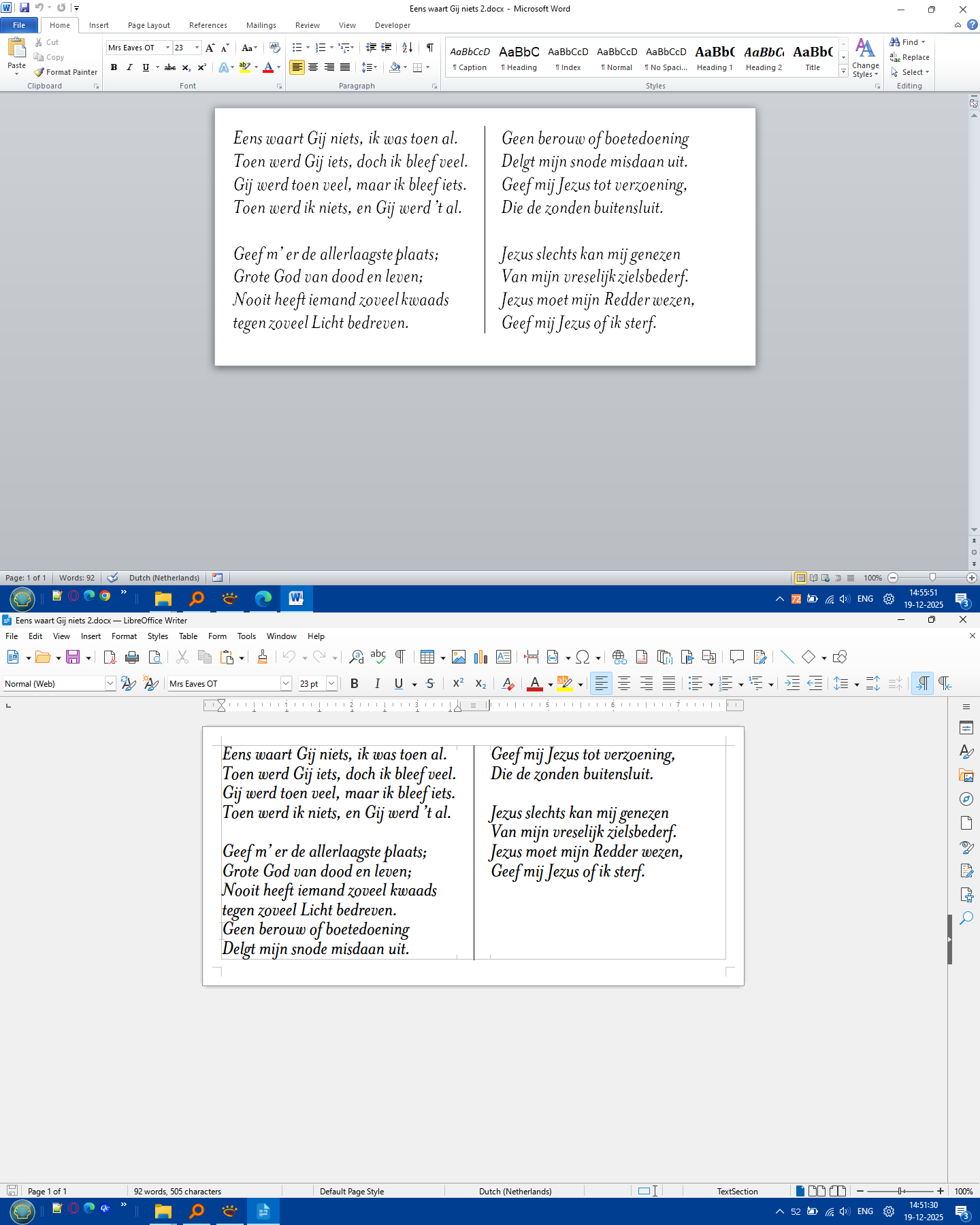
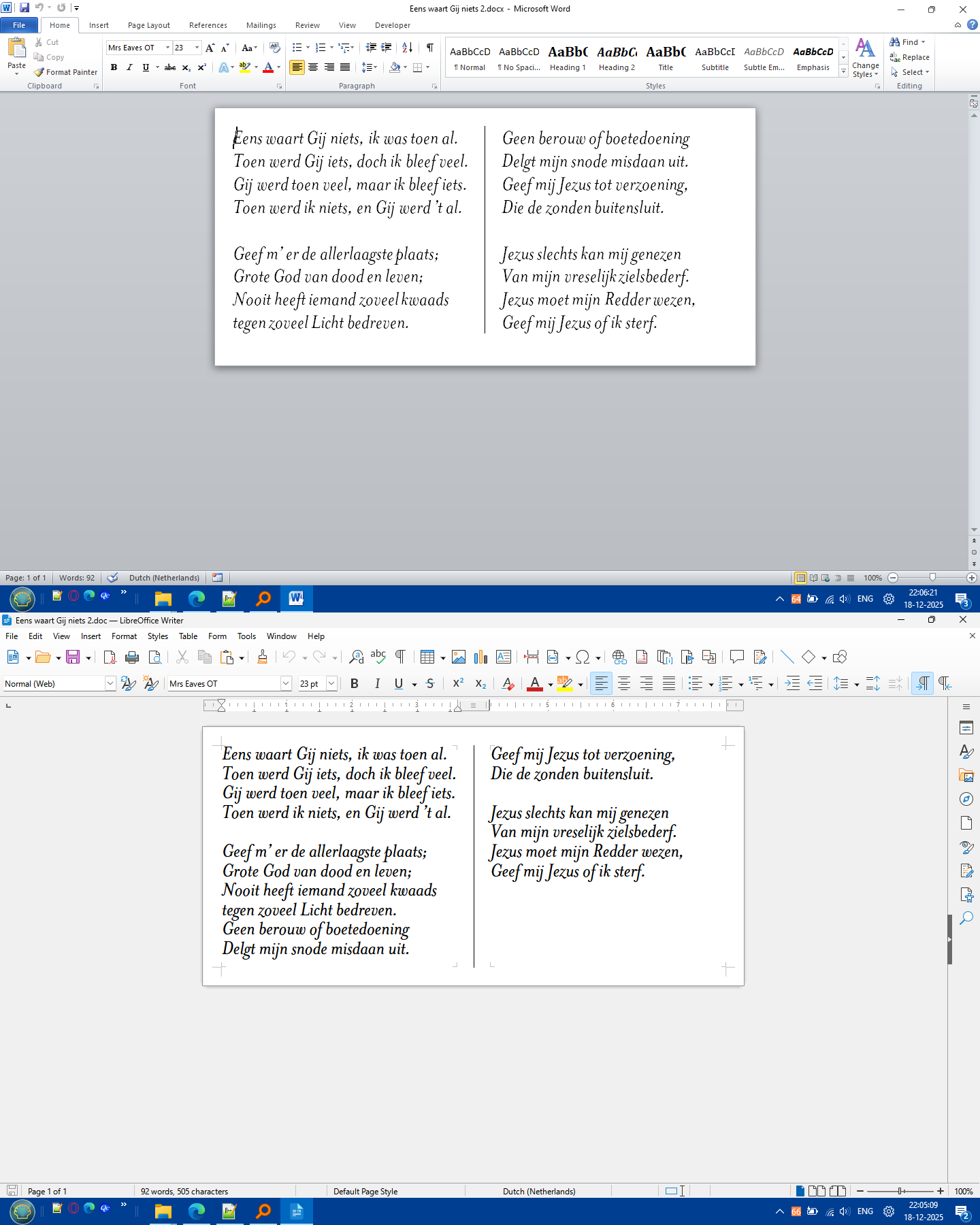
When I open a ‘Word 2010’ created ‘docx’ or ‘doc’ file in Libre Writer it doesn’t show the in between column line.
However if I save the document to ‘odt’ in ‘Word 2010’ and then opening in ‘Libre Writer’ it shows the exact document.
.
Operating system is Windows 11 Pro.
My Libre version is 5.0.2.0.4

Is this a bug?
That is an ancient version, there have been many bug fixes in the last 10 years.

Maybe you have a good reason for using such an old version. If so, you could install a parallel version for other work, see Installing in parallel on Windows - The Document Foundation Wiki

[Edit ]
If I create a 2 column document in Word 2010 and specify a line between the columns, it does not show in Word but it shows in Writer 25.8.3.2
2ColumnsLineBetween.docx (25.3 KB)
.

BTW Always save and work in LibreOffice native format, .odt in this case. Every time you open a document or save it there is a conversion between .docx and .odt, these multiple conversions can lead to corruption eventually as attributes not supported by one or other of the formats are removed during conversion.
If you need to send a document to someone else then File > Save a copy as .docx and send that but do not use that docx for further editing.

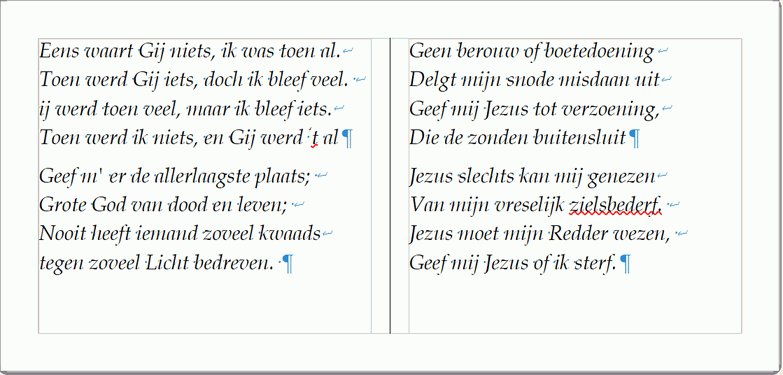
I downloaded ‘Libre Office 25.2.7.2 x86 portable’ and now the line is visible.
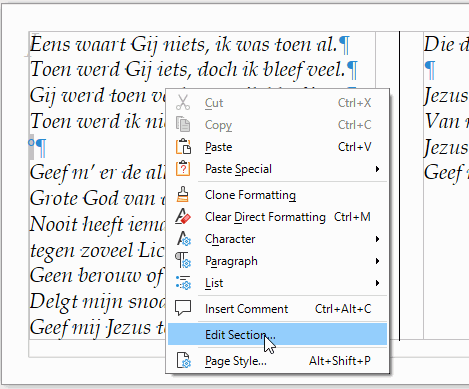
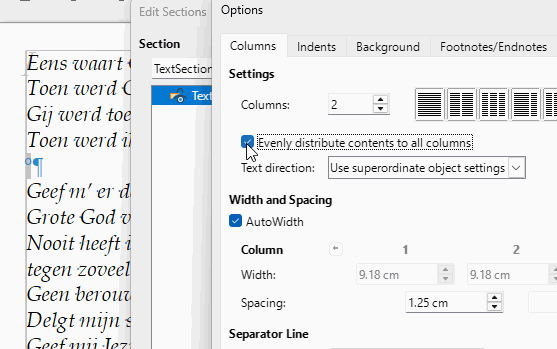
However now it messes up the text.

Can you upload a sample document with messed up text and a screenshot or description of how you expect the text to appear.