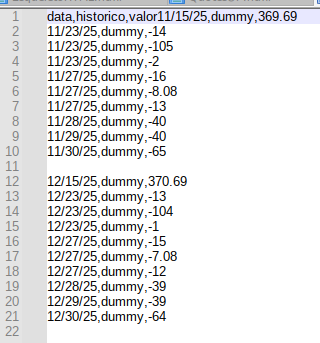
Save this to some text file:
Datum;Name;Verwendungszweck;Auftragsart;Betrag (EUR);Saldo (EUR)
08.01.2026;xxxxxxxxxx xxxx&xxxx;"xx 20597 xx 20260034";xxxx xxxxxxx;"-143,22";"1.892,77"
05.01.2026;xxxx xxxxx;xxxxx xxxx xxxxxxxxxxx;xxxxxxxxxx;"460,00";"2.035,99"
02.01.2026;xxxxxxx xxxxx;xxxxx;xxxxxxxxxx;"380,00";"1.575,99"
02.01.2026;xxxxxxx xxxxx;xxxxxxxxxxx;xxxxxxxxxx;"250,00";"1.195,99"
02.01.2026;xxxxxxxx xxxxxx;xxxxx;xxxxxxxxxx;"555,00";"945,99"
02.01.2026;xxxxxxxxx xxxxxxxxxxx;xxxxx xxxxxxxxxxx xxx.7x;xxxxxxxxxx;"655,00";"390,99"
02.01.2026;xxxxxxx xxxxxxxxxxxxx xx;"xxxxxxx xx-1802356494              xxxxxxxxxxxxxxxxxxxxxxxx            xxxxxxxxxxx xxx. 7 x, 32107 xxx xx 01.01.26 - 31.12.26";xxxx xxxxxxx;"-2.497,30";"-264,01"
Open with LibreOffice Calc.
- Locale: German(Germany)
- Encoding: UTF-8 should be fine.
- Column separator: Semicolon
- Text delimiter: "
- Detect special numbers: Yes (always)
- Quoted fields as text: No
Turn on menu:View>Highlight Values [ctrl+f8]
The import was successful if the first column’s dates and the last columns’ numbers are highlighted in blue.